How to Write Better Text-to-Video Prompts
styvid Team
4/20/2026
Introduction
Many text-to-video prompts fail for a simple reason: they describe an idea, but not a shot.
A useful prompt does more than name a subject. It tells the model:
- what is on screen
- what is happening
- how the camera behaves
- where the action is taking place
- what kind of output you want
When you structure prompts like that, results usually improve fast.
What This Article Is Trying to Fix
This guide is for cases where the output feels vague, generic, or inconsistent because the prompt never made the shot logic clear.
It is not about writing longer prompts for the sake of length. It is about writing prompts that tell the model what to generate and how the clip should behave.
A Simple Prompt Formula That Works
For most practical use cases, this structure is enough:
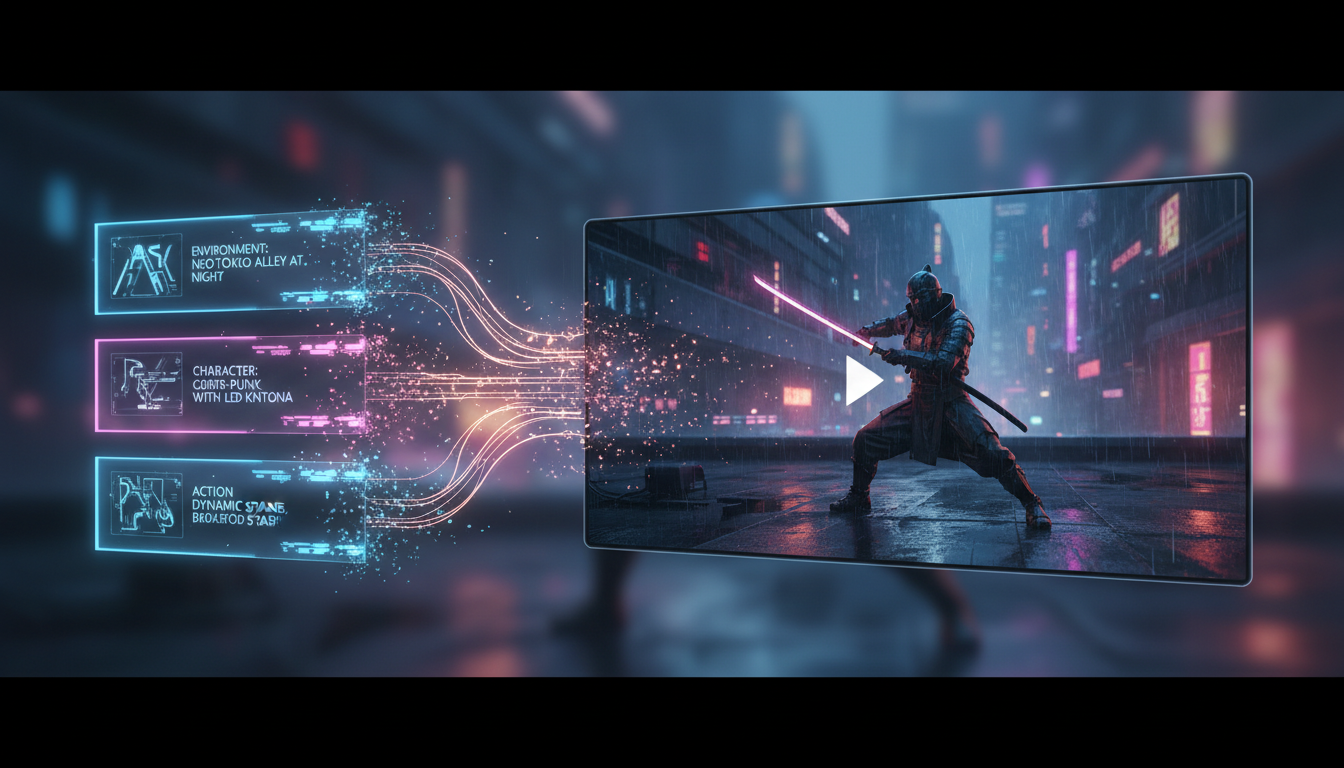
subject + action + camera + setting + style/output constraints
That formula is simple, but it forces you to answer the five things the model needs most.
1. Start with the Subject
The subject should be concrete.
Weak:
A person in a city
Better:
A young woman in a red trench coat walking through a wet neon-lit street
The more readable the subject is, the less confusion the model has.
2. Add a Clear Action
The action should tell the model what changes over time.
Weak:
Standing in a city
Better:
Walking forward, looking left, while rain reflects off the pavement
Without action, the output can feel static or generic.
3. Tell the Model What the Camera Does
This is one of the biggest prompt upgrades most people skip.
Examples:
- slow push-in
- orbit shot
- handheld follow shot
- wide establishing shot
- locked medium shot
If you care about the feel of the clip, the camera needs to be in the prompt.
4. Define the Setting
The setting is not just decoration. It helps the model understand mood, lighting, and context.
Useful details include:
- time of day
- location type
- weather
- background activity
- lighting condition
5. Add Style and Output Constraints
Style terms are useful when they reinforce the kind of video you need.
Examples:
- realistic
- cinematic
- product ad
- social ad
- clean studio lighting
- premium ecommerce look
This is also where you can add practical constraints like:
- vertical 9:16
- short ad pacing
- no subtitles
- no visible text
A Bad Prompt vs a Better Prompt
Bad prompt
Make a cool ad video for a product
Better prompt
A premium skincare bottle on a clean white surface, subtle water droplets on the glass, slow orbit camera movement, soft studio lighting, high-end product ad style, short 9:16 social ad clip, no text
The second prompt is better because it behaves like a shot brief, not a vague idea.
Why This Matters on a Real Landing Page
Prompt advice only becomes useful if the user can apply it immediately.
That is why this article works best as a companion to a live text-to-video workflow where the user can test:
- a vague prompt
- a structured prompt
- a prompt with camera language
- a prompt with cleaner output constraints
The landing page gives the article an execution path, not just theory.
Common Prompt Mistakes
Too vague
If the subject and action are unclear, the result becomes generic.
Too many disconnected adjectives
A prompt full of style words without structure often weakens the output.
No camera language
If you skip the camera, you give up one of the strongest control levers in text-to-video.
Conflicting instructions
For example, asking for both "cinematic realism" and "cartoon fantasy" without clarifying priority can confuse the model.
Prompt Templates You Can Reuse
Product ad template
A [product] on [surface/background], [main action or movement], [camera move], [lighting], [commercial style], [aspect ratio], [constraints]
Social clip template
A [subject] [action], [camera move], [environment], [mood], [social video style], [duration or format], [constraints]
Cinematic scene template
A [subject] [action] in [setting], [camera move], [lighting and atmosphere], [cinematic style], [output constraints]
When to Use Text-to-Video Instead of Image-to-Video
Use text-to-video when the scene itself needs to be generated from scratch.
If you already have a strong source image, a workflow like image-to-video may be the better fit.
Text-to-video is strongest when the prompt is acting like a full shot description.
Conclusion
Better text-to-video prompts are usually not more complicated. They are just more structured.
If you cover:
- subject
- action
- camera
- setting
- style/output constraints
you will usually get a much cleaner result than with a vague one-line idea.
If you want to put that workflow into practice, start with Styvid Text-to-Video and test the prompt structure from this guide against your own use cases.