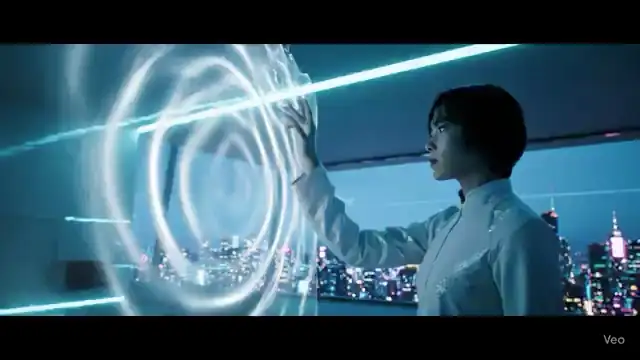
Future Home Interface
A cyberpunk smart-home scene with responsive holographic controls.
Use ↗AI text-to-video generator
Describe the subject, scene, action, camera, and mood to create video drafts for ads, product demos, social posts, and visual stories.
Explore real generated examples, choose a direction, and adapt it in the generator.
A cyberpunk smart-home scene with responsive holographic controls.
Use ↗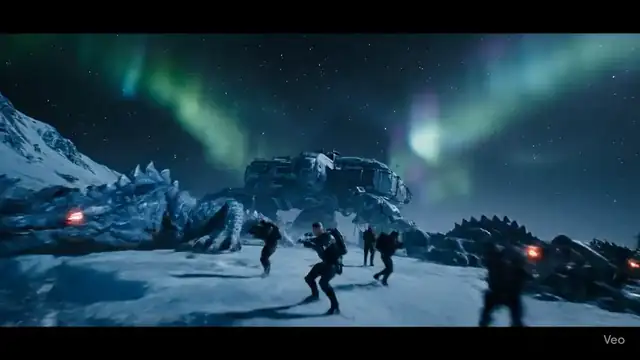
A frozen sci-fi standoff with a squad descending toward waking beasts.
Use ↗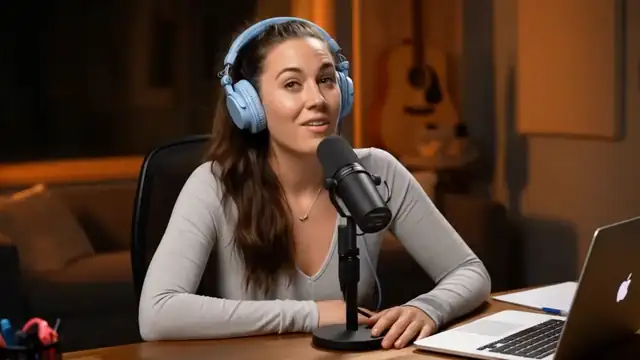
Animate a speaker photo into a short talking-head hook with natural lip-sync and social-ready framing.
Use ↗Future Home Interface
Create a reviewable draft first, then narrow each revision around what you see.
Write the subject, scene, action, mood, and camera direction.
Choose a suitable model and settings, then create one version.
Use the result to adjust composition, motion, and pacing in the next prompt.
Choose a workflow based on the source material you have and where the result will be used.
Test hooks, opening shots, visual jokes, and transitions.
Compare how different messages and benefits translate into motion.
Validate a product reveal, camera treatment, and overall mood before production.
Turn one script beat into a watchable reference shot.
AI outputs vary. Clear source material and one focused visual goal are easier to review and refine.
Name the person, object, place, and time instead of relying only on abstract adjectives.
Generate one clear action first and use a new prompt for the next beat.
Mention a vertical social post, landscape demo, or cinematic short when it matters.
Useful details about source files, prompts, generated output, and responsible use.
Describe the subject, action, environment, camera, lighting, and style in a clear order without conflicting instructions.
There is no required length. Start with one clear paragraph for one shot, then add only details that materially affect the result.
Models interpret text visually. Simpler actions, clearer spatial relationships, and focused iterations usually help.
Yes, but review visual details, text, trademarks, and media rights before publishing.
Move to a related generator, tool, or guide based on your next input and goal.