Action Figure Video Generator
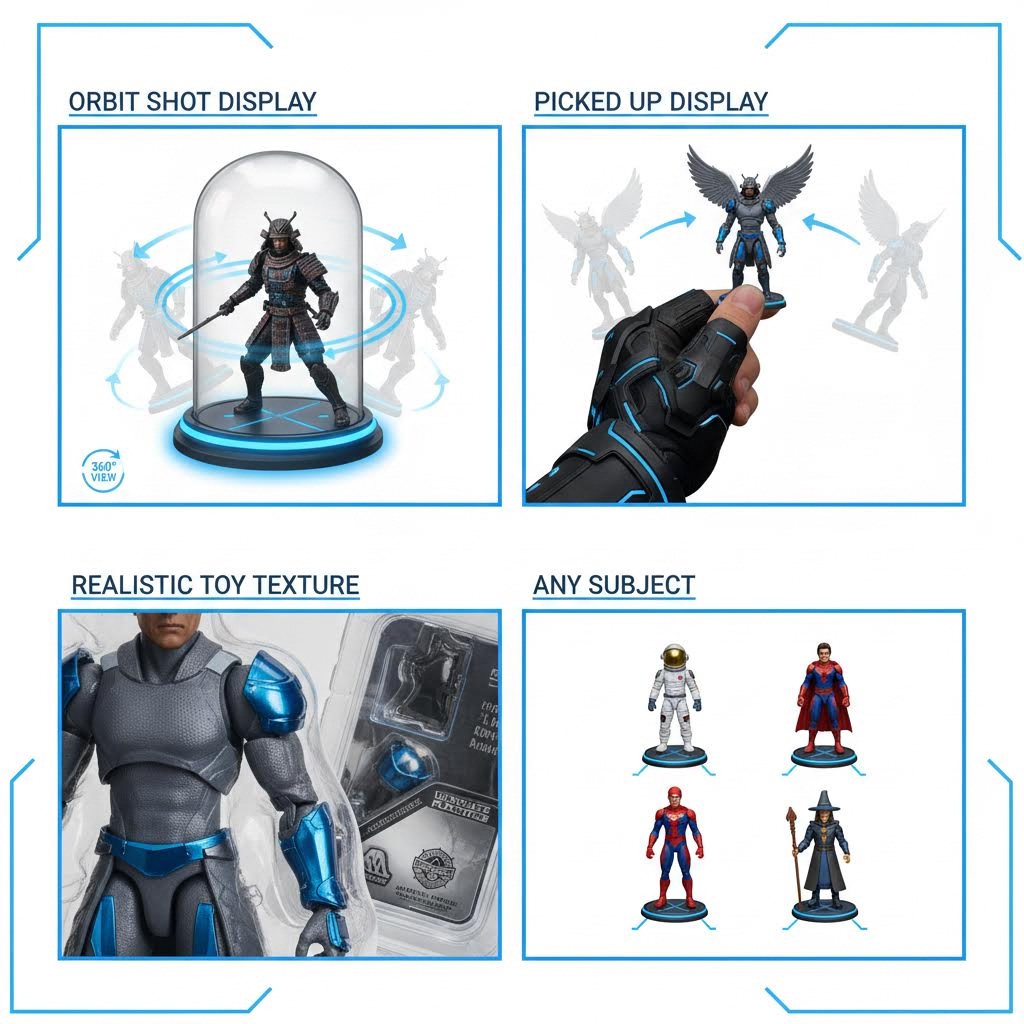
Upload a clear single-subject image and generate a short collectible-style product shot.
Drag & Drop your images
Upload one clear image with a single complete subject
Your example stays visible while you set up.
See the motion before you generate
Your result will replace this example.
Example image
Upload to replace
Example video
Turn One Photo into an Action Figure-Style Video
Turn One Photo into an Action Figure-Style Video
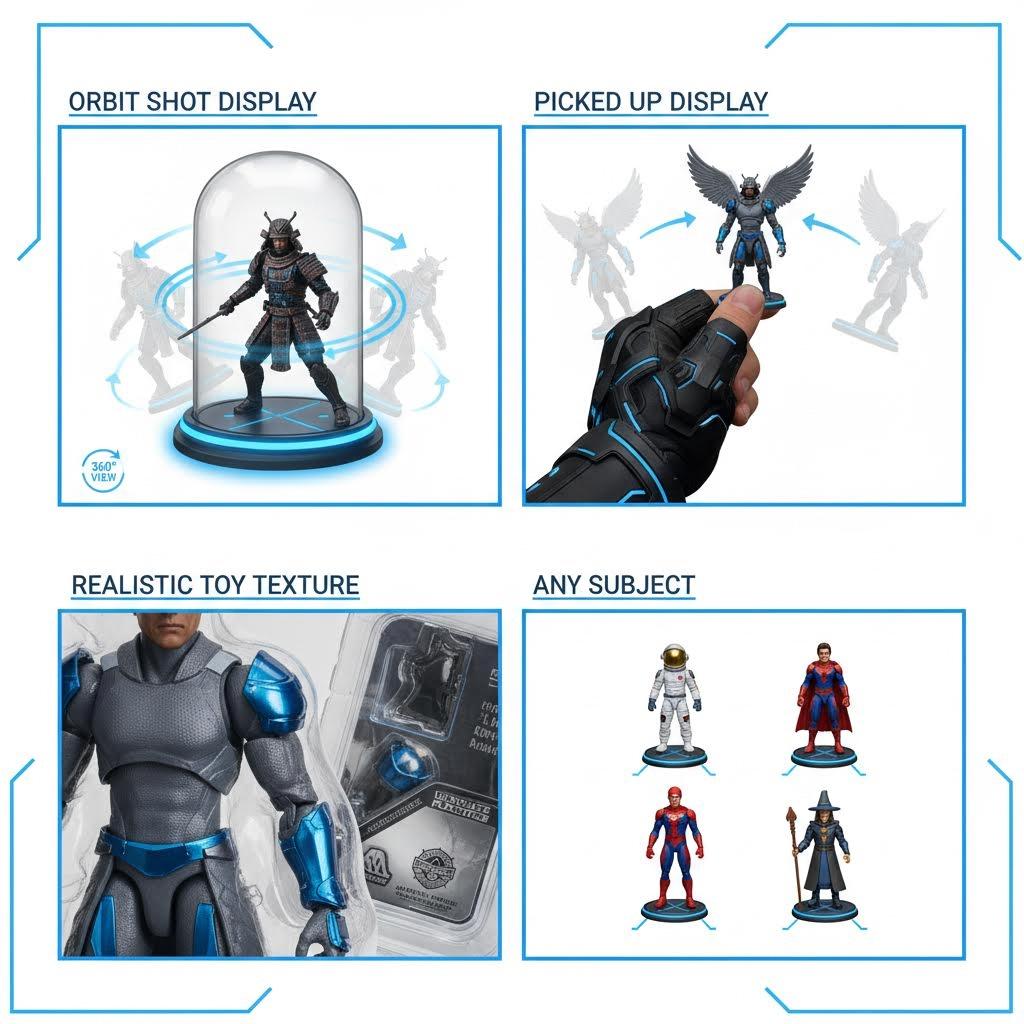
Upload a clear single-subject image and generate a short collectible-style product shot. The effect is designed for character concepts, toy-inspired reveals, gift ideas, and social posts where the subject should read as the focus of a display.
Choose a Subject That Reads Clearly as a Figure
The effect starts from one still image and needs to separate the subject from the scene before it can build a collectible-style presentation. A clean silhouette and visible clothing or surface details give it a stronger design reference.
Use One Main Subject
A single person, pet, character, vehicle, or object is easier to stage than a group. Multiple subjects can merge into one figure or create an unclear packaging layout.
Keep the Silhouette Complete
Show the head, torso, and important limbs or object edges. Cropped feet, hands, ears, wheels, or accessories force the model to invent their missing shape.
Show Identity-Defining Details
Distinct clothing, color blocks, hairstyle, equipment, and recognizable proportions help the generated figure relate back to the source.
Reduce Background Competition
Plain walls, studio backdrops, and moderate depth make the subject easier to isolate than crowds, shelves, foliage, or objects touching its outline.
Create the Collectible Draft and Inspect the Design
Use the output as a generated visual concept. The model may reinterpret materials, packaging, and small accessories, so review those details before treating the clip as a product mockup.
Upload the Single-Subject Image
Choose a clear JPG or PNG and crop away unrelated people or objects. Keep enough margin for the generated display to frame the subject.
Choose the Output Format
Select an available duration, aspect ratio, and resolution for a vertical reveal, square product post, presentation concept, or widescreen edit.
Generate the Figure-Style Shot
The effect creates a short visual centered on the subject, adding collectible presentation cues and camera movement without a manual 3D workflow.
Review Proportions and Accessories
Check the face, hands, limbs, logos, equipment, packaging text, and repeated accessories. Regenerate from a cleaner source if these details drift.
Use the Result as a Concept, Reveal, or Personal Creative
A generated figure video is useful for visualizing an idea quickly. It does not create manufacturing files, guarantee a physically buildable toy, or verify that the pictured packaging exists.
Character Concept Reveal
Present an original character, costume, mascot, or game avatar as a collectible-inspired visual before developing a full 3D asset.
Personalized Gift Idea
Preview how a friend, family member, or pet might look as a playful figure concept using a photo you have permission to animate.
Social and Channel Artwork
Use the clip as a short reveal, profile milestone, creator intro, or themed post where toy-display language fits the audience.
Packaging and Campaign Mood Board
Explore color, framing, and accessory directions before a designer creates accurate brand artwork or production-ready packaging.
Keep Generated Packaging and Materials in Perspective
The model invents product details that are not present in the source photo. Treat text, accessories, plastic surfaces, and unseen body parts as creative suggestions rather than exact specifications.
Small Text Is Not Reliable
Names, logos, warning labels, and package copy may be misspelled or replaced. Add final typography in a design tool after generation.
Hidden Limbs Must Be Invented
A seated pose, crossed arms, or cropped legs gives the model incomplete anatomy. Use a standing or clearly separated pose when full-body proportions matter.
Accessories May Duplicate
Tools, props, jewelry, and equipment can appear twice, change shape, or attach to the wrong side. Simplify the source if one accessory is essential.
The Clip Is Not a Manufacturing Model
The video does not provide accurate dimensions, articulation, material specifications, print files, or a verified view of a real product.
Action Figure Video Questions
Answers about source images, invented product details, and practical uses for the generated clip.
Explore more AI video effects
Try another focused AI video effect, or browse the complete effects collection.
Create a Collectible-Style Video Draft
Upload one clearly separated subject, generate the reveal, and review anatomy, accessories, packaging, and text before sharing the concept.