AI Talking Pet Generator
Upload one clear dog or cat photo, then add a short script or voice recording to create a talking pet video.
Pet photo
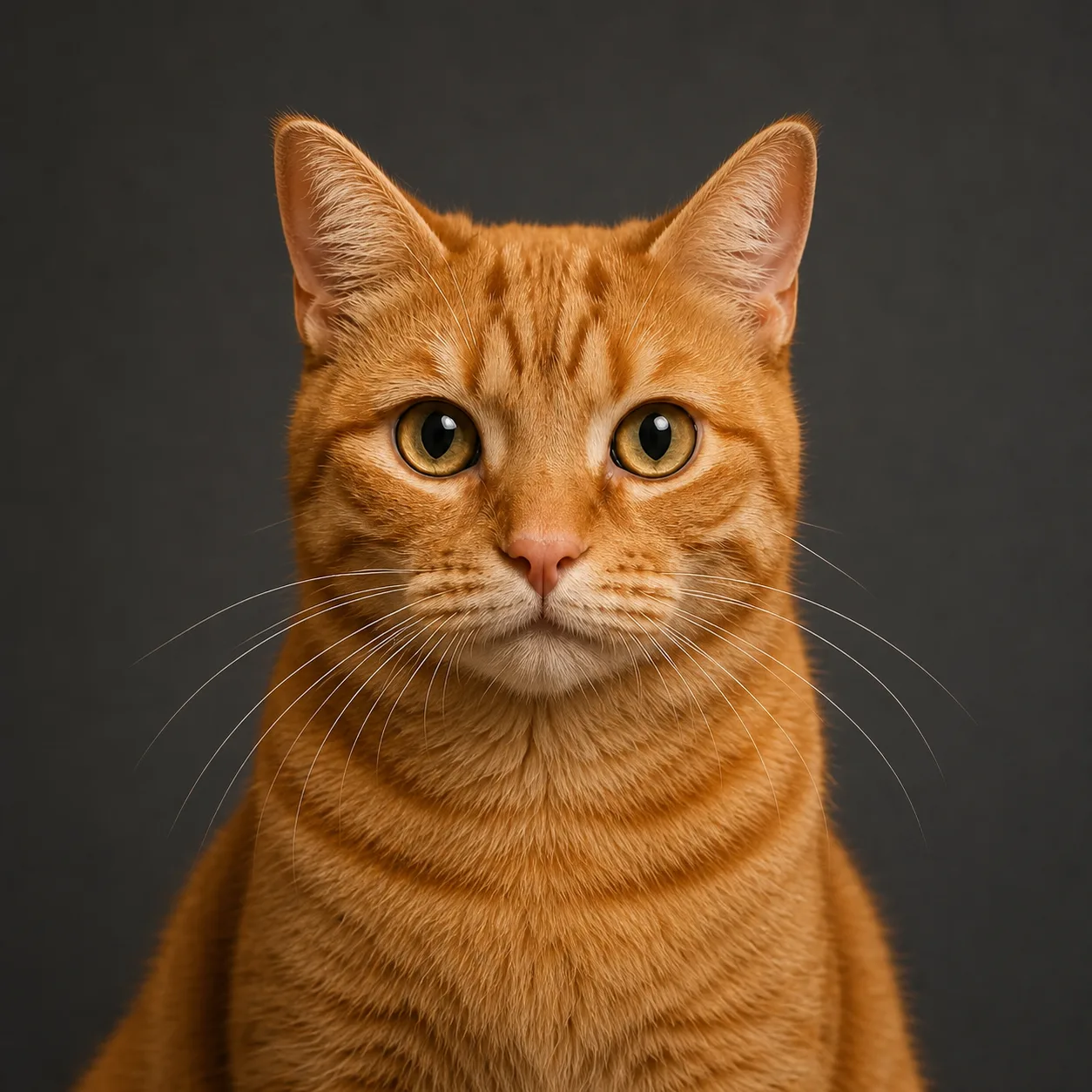
Clear, front-facing photos work best.
Voice
Duration
3s uses the lowest-cost Draft model.
Sign in to use the 3-second trial. Availability depends on your current account balance.
Turn One Pet Photo into a Talking Podcast Clip
Start with a clear dog or cat portrait, add a short line or voice recording, and create a pet-first podcast scene with visible speech and social-ready framing.
Upload a front-facing pet photo
Choose one dog or cat portrait with visible eyes, an unobstructed mouth, even lighting, and enough space around the head.
Write a short script or add audio
Keep the spoken line concise and conversational. Clear speech gives the animation a stronger timing reference.
Review the talking-pet result
Check mouth movement, pet identity, framing, and audio timing before downloading or sharing the clip.
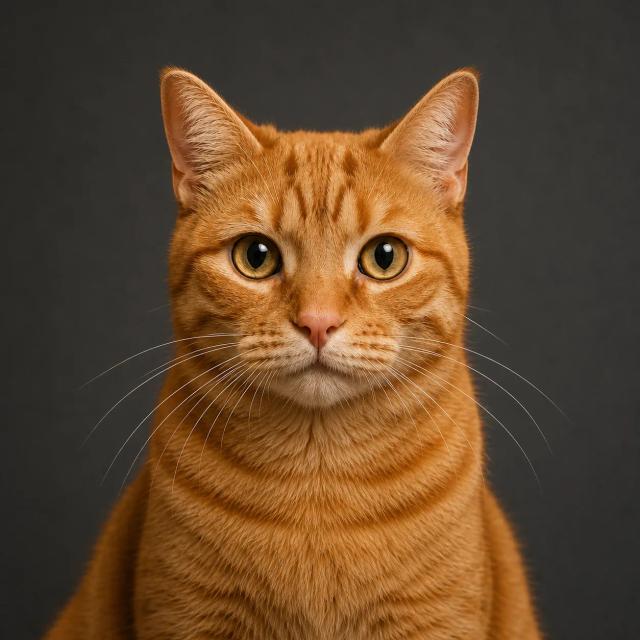
Pet Photos That Work Best for Talking Videos
A readable source portrait gives the video model a cleaner identity anchor and reduces unwanted changes around the face, fur, and mouth.
Keep the face clearly visible
Front-facing or lightly angled portraits work better than side profiles, covered mouths, or photos where the pet is very small.
Use one pet as the subject
Avoid group photos when you want one clear speaker. A single centered pet makes the intended subject unambiguous.
Choose stable lighting
Even light helps preserve eye color, muzzle shape, coat markings, and the outline of the ears.
Leave room around the head
A little space around the ears and shoulders gives the result more flexibility for podcast framing, headphones, or a microphone.
Ideas for AI Talking Pet Videos
Use the pet podcast format for short character-driven clips where the joke, reaction, or message can be delivered in one concise line.
Pet confession and reaction videos
Turn everyday pet behavior into a first-person joke, apology, review, or dramatic reaction.
Podcast-style social posts
Create a recognizable talking-pet host for TikTok, Instagram Reels, YouTube Shorts, and meme-style posts.
Birthday and adoption messages
Use a familiar pet portrait to deliver a short greeting, announcement, thank-you, or rescue-story line.
Pet brand and mascot concepts
Prototype short spokesperson clips for pet stores, shelters, veterinary teams, creators, and animal-focused campaigns.
AI Talking Pet Generator FAQ
Common questions about turning a dog or cat photo into a talking pet podcast video.
Make a Talking Pet Video from One Photo
Choose a clear dog or cat portrait, add a short line or audio clip, and create a pet podcast-style video.