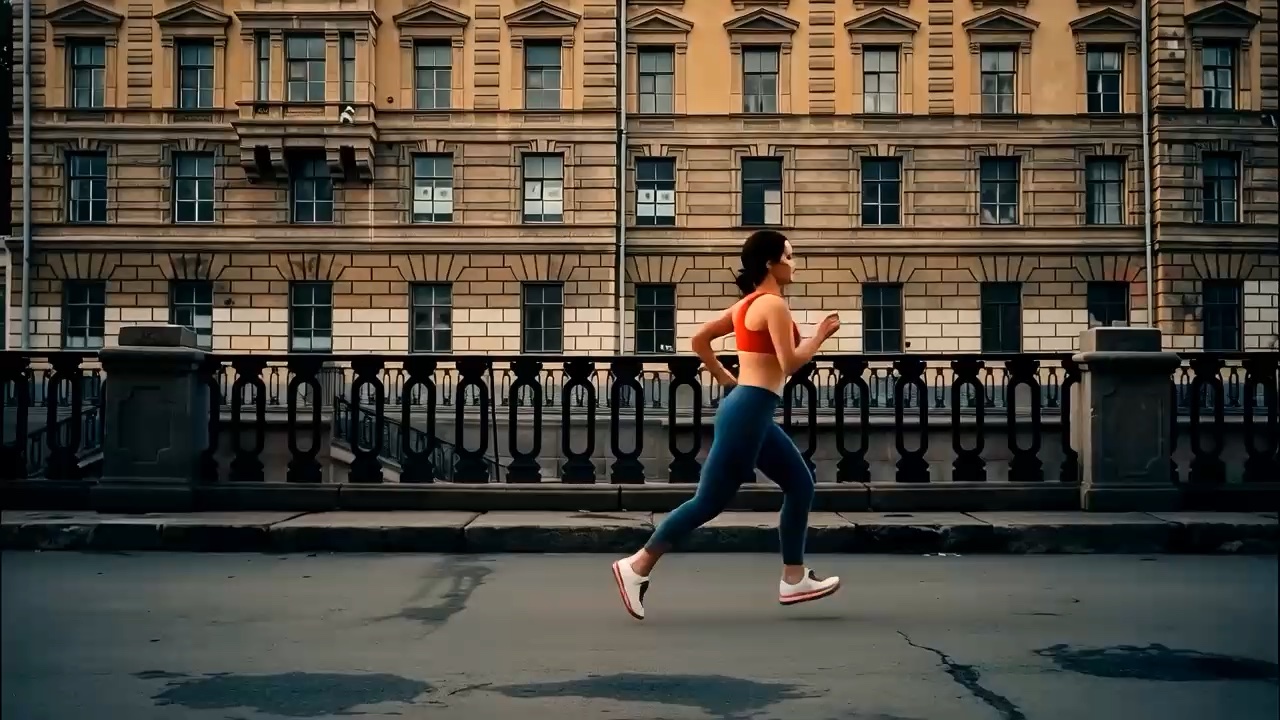
Video to Claymation

Give the people and scenes in your video rounded shapes and a handmade clay look.

Drag & Drop your video

MP4 / MOV · 2–10 seconds · Up to 100 MB

Add video
Advanced settings

From 3 credits

Example

What is video to claymation?

Video to claymation is an AI video effect that turns an existing clip into a moving video with a handmade clay appearance.

Turn your video into clay-style animation, giving people and scenes rounded shapes, matte textures and a miniature-set look.

Try a handmade clay appearance for character movements, everyday moments and creative short clips. Compare the animation with your original afterward; appearance, motion and background details may change.

By StyvidUpdated Contact us

How to turn a video into clay animation

Start with one simple shot and review the result before making more variations.

  1. Choose a short, continuous video

    Upload one MP4 or MOV file lasting 2–10 seconds and no larger than 100 MB. A clear subject and a small, readable action make it easier to compare the transformation. If you are exploring the effect, use the example video in the generator to load the supplied source without creating a paid task.

  2. Choose a resolution and generate

    Select 720p or 1080p, check the displayed credit total and start generating. No prompt is needed.

  3. Preview and download the animation

    Watch the full animation and compare people, movement and sound with your original. Download the result when you are happy with it, ready to edit or share.

Which videos work well for a clay animation effect?

Source choices help you evaluate a style change, but do not guarantee identity or frame consistency.

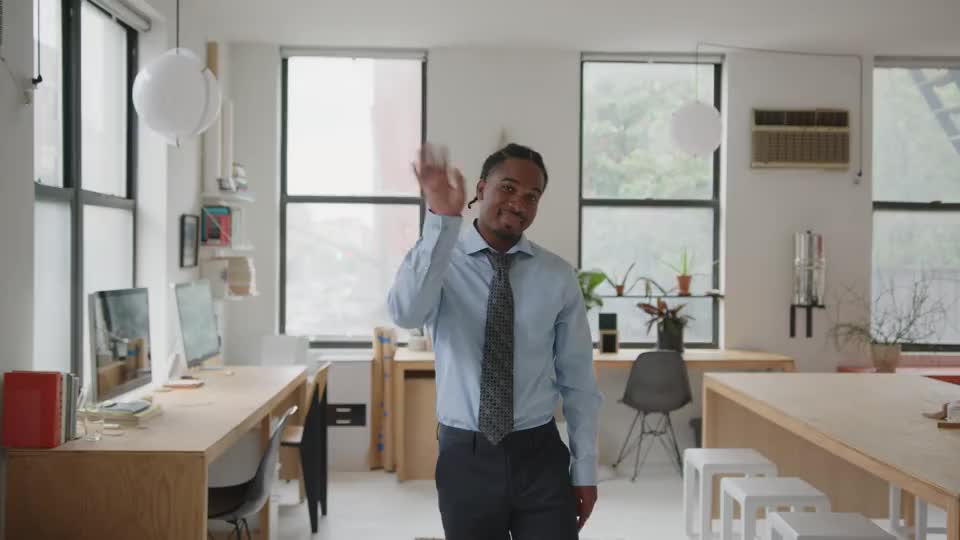
One subject with a readable silhouette

Try an isolated illustrated character, a simple object or a clearly framed person. Leave enough room around moving hands and the head. Overlapping subjects and tiny faces make it harder to tell whether the output preserved the intended action. Live-action identity has not yet been validated for this template.
Steady light and a restrained camera move

A wave, a slow turn or another small gesture gives you a concrete action to check. Avoid beginning with rapid cuts, heavy motion blur or changing exposure. When the camera and subject both move strongly, you have more changes to assess alongside the new surface texture.

Simple surroundings without critical lettering

Choose a background that lets the subject remain easy to see. Keep important logos, package text and fine patterns out of your first test: this effect has not been validated for exact preservation.

What can you create with clay-style video?

Use the output as a style study wherever its changes can be reviewed and accepted.

Character and illustration studies

Try a clay-style interpretation of an original character performing a short action. Compare the silhouette, expression and gesture with the source. This is useful for exploring a handmade appearance, while the original design remains your reference for any later production work.

Short social-video inserts

A reviewed clip can become a brief visual beat inside a larger edit. Prepare the framing for your intended placement and check the opening and closing frames before adding transitions. Add captions in your editor after generation when you need exact wording and consistent typography.

Object and miniature-scene concepts

Explore how a simple shape might read with a sculpted surface and small-set lighting. Treat this as concept exploration rather than a faithful product demonstration: object geometry, scene contents and branding may change.

How does AI clay video differ from traditional stop motion?

These workflows produce different kinds of output.

How does AI clay video differ from traditional stop motion?
ApproachStarting materialWhat to expect
Video to claymationA short existing videoA moving clay-style interpretation of the source. Review subject fidelity and frame consistency.
Traditional stop motionPhysical models photographed in successive posesA sequence built by staging each frame. This template does not provide frame-by-frame pose control.
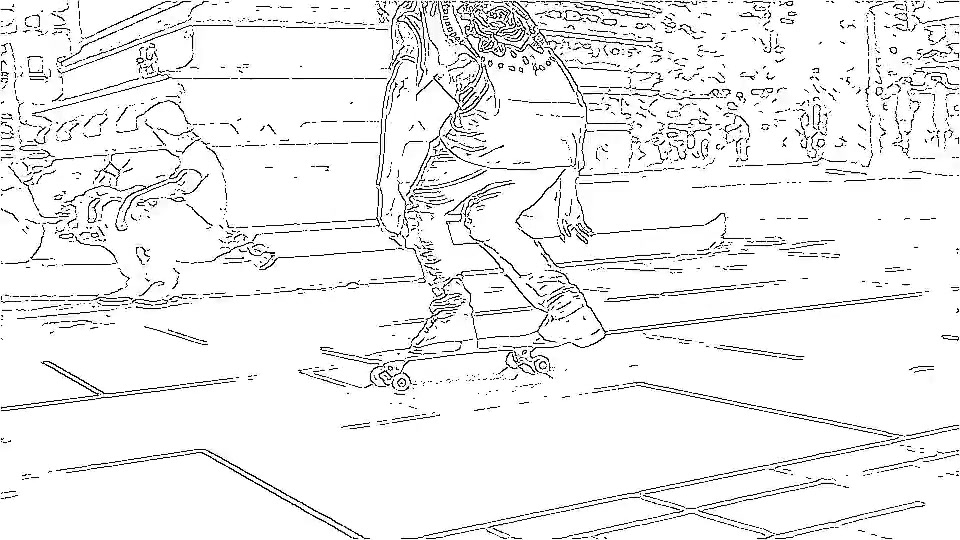
Video to line artAn existing videoAn outline-oriented treatment when lines and silhouette are more important than a sculpted surface.

For a clay stop-motion example, Aardman describes The Very Small Creatures as a series made with clay models and stop-motion animation. Aardman’s official production page

Judge more than the first frame

The current template is experimental. A convincing clay texture alone does not make a clip ready to use.

Check the subject and the action

Watch faces, hands and moving edges through the entire clip. Look for changed identities, merged features, extra limbs or missing gestures. Compare the end pose with the source instead of accepting a good-looking opening frame as proof that the whole action survived.

Check continuity, scenery and sound

Look for flickering textures, changing shapes and objects appearing between frames. This example is silent and does not demonstrate audio preservation. If your source has sound, listen to the output before using it.

Video to claymation questions

Practical details before you try a source clip.

Can I turn a photo into claymation here?

This template takes a video, not a still photo. If you only have an image, create a moving clip with image to video first, then review that clip before using it as a source. This introduces a separate generation step and its own credit cost.

Is this the same as traditional stop-motion animation?

This is AI-generated clay-style video, rather than traditional stop motion made by photographing physical models. Frame-by-frame stop-motion timing is not guaranteed.

Which video files and lengths are supported?

Upload one 2–10 second MP4 or MOV, up to 100 MB. Choose 720p or 1080p; the output follows the original framing. Trim longer footage into a single short shot first.

Do I need a claymation prompt?

No. Upload a video to apply the clay style. For a different action, choose footage that includes the movement you want.

Will faces, movements and logos stay unchanged?

Exact preservation is not guaranteed. Faces, hands, lettering and obscured areas may change. Compare the full result with your original video.

What happens to the original sound?

The workflow requests preservation of the original audio track and does not offer automatic replacement audio. A silent source is not a request for generated speech. Listen to the actual output before using it.

How much does it cost to generate a clip?

A 2–3 second 720p clip costs 3 credits. Longer clips and 1080p cost more; check the total before submitting. Sign in with sufficient credits to generate. Loading the example does not spend credits.

Can I download the result and keep editing?

After a successful task, play the generated clip in the workspace and use Download to open the output file. You can then trim it, add captions or assemble it with other clips in your editor. Review visual changes before treating it as a finished asset.

Try the clay look on one short shot

Choose a clear source, review the credit estimate and compare your result with the original.