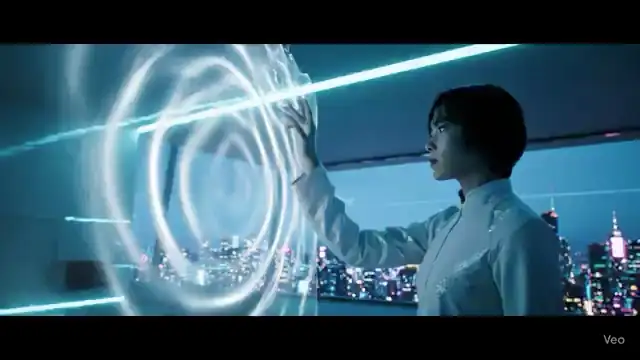
Future Home Interface
A cyberpunk smart-home scene with responsive holographic controls.
Use ↗AI video creation platform
Turn prompts and images into short videos for social content, product demos, ads, and visual stories. Generate a first draft, review it, and refine the direction.
Explore real generated examples, choose a direction, and adapt it in the generator.
A cyberpunk smart-home scene with responsive holographic controls.
Use ↗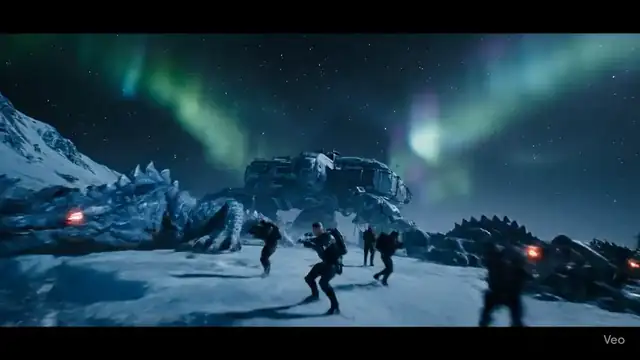
A frozen sci-fi standoff with a squad descending toward waking beasts.
Use ↗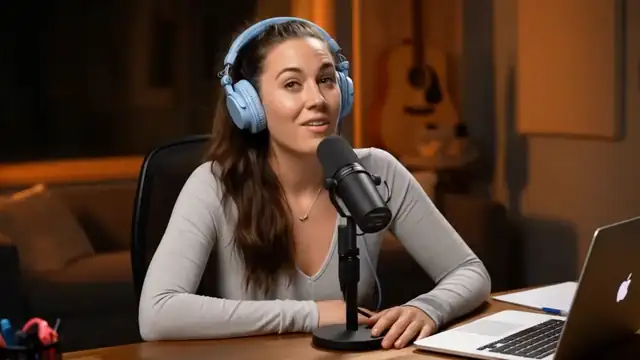
Animate a speaker photo into a short talking-head hook with natural lip-sync and social-ready framing.
Use ↗Future Home Interface
Create a reviewable draft first, then narrow each revision around what you see.
Start with text, an image, Story Mode, or a focused video effect.
Describe the subject, action, environment, and camera, or upload a clean reference image.
Review subject consistency and pacing, then adjust one part of the direction at a time.
Choose a workflow based on the source material you have and where the result will be used.
Draft hooks, transitions, visual concepts, and short-form creative ideas.
Turn product imagery or campaign ideas into motion drafts for review.
Expand scene descriptions, character ideas, and artwork into moving shots.
Compare video directions before committing editing time, filming, or production budget.
AI outputs vary. Clear source material and one focused visual goal are easier to review and refine.
A concentrated action usually makes subject identity and composition easier to preserve.
Add a camera move, framing, lighting, and mood to reduce ambiguity.
Check people, product text, and critical details before deciding what to revise.
Useful details about source files, prompts, generated output, and responsible use.
You can begin with a text prompt, a still image, a story idea, or supported reference video workflows.
Reduce simultaneous actions and clarify the subject, environment, camera, and details that must stay consistent.
Make sure you have rights to uploaded media, likenesses, brands, audio, and other protected material, and follow the applicable terms.
Yes. Specific descriptions of the subject, action, camera, and visual style generally provide a clearer direction.
Move to a related generator, tool, or guide based on your next input and goal.