Premium Product Showcase
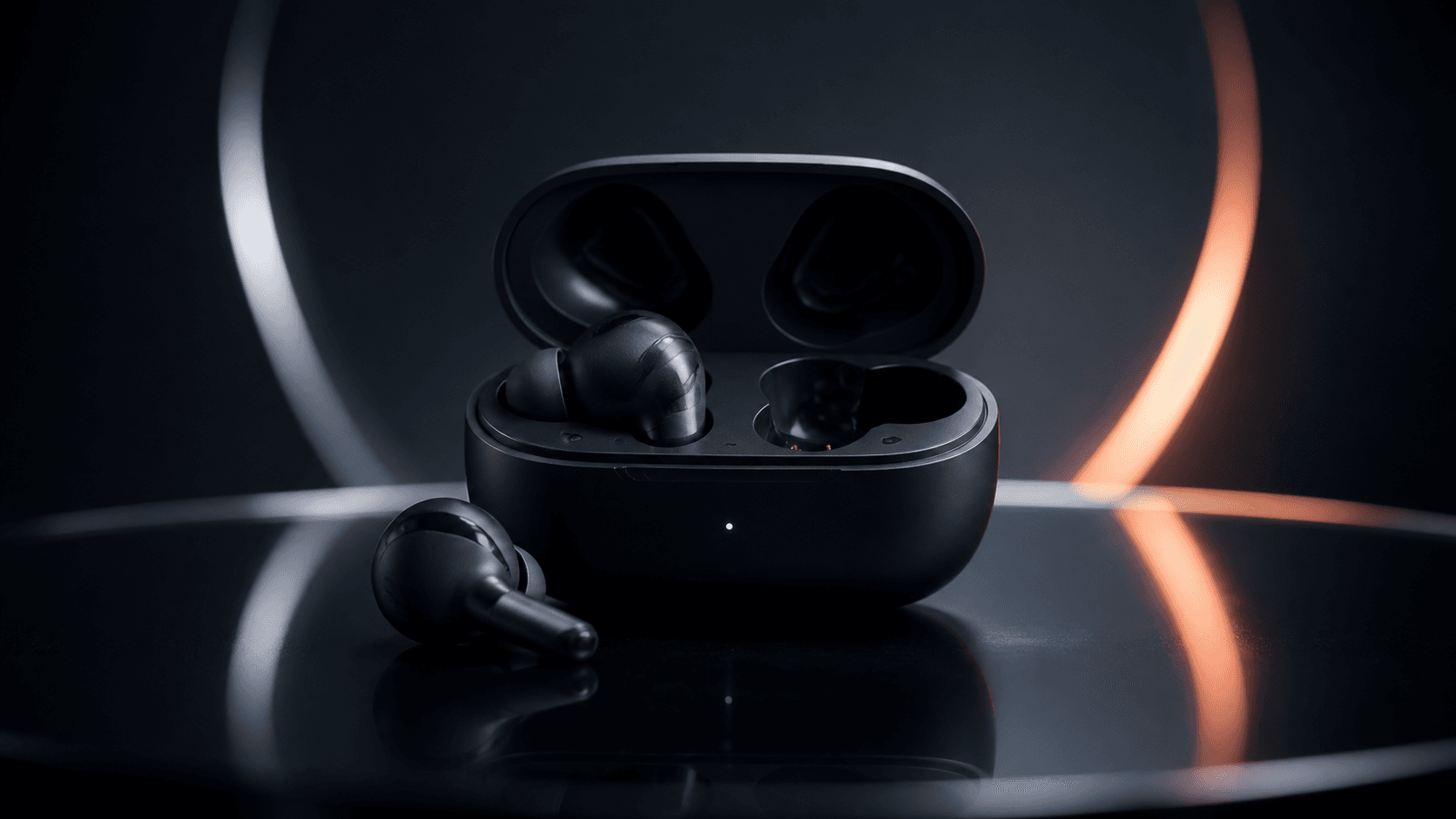
A clean studio hero frame with orbit-style lighting, reflections, and strong product focus.
Prompt direction: premium studio lighting, slow push-in, subtle orbit, clean reflections.
Create a short product marketing video from one image and one prompt. Keep the product recognizable while adding clean commercial motion for ecommerce, ads, and social posts.
Creative directions
Use these static examples as prompt directions before generating your own product video.
A clean studio hero frame with orbit-style lighting, reflections, and strong product focus.
Prompt direction: premium studio lighting, slow push-in, subtle orbit, clean reflections.
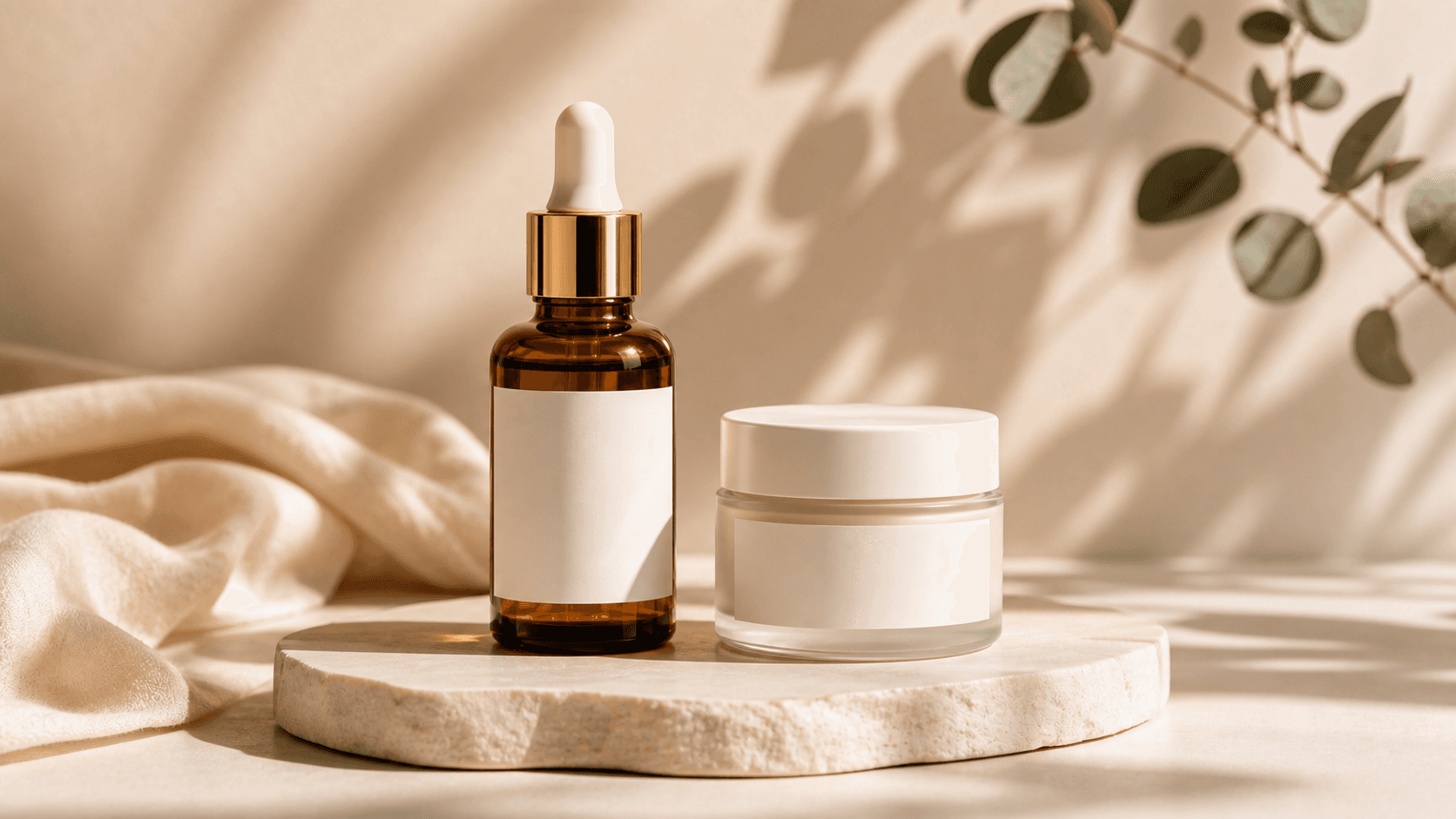
A soft DTC skincare setup for cosmetics, supplements, packaging, and premium ecommerce visuals.
Prompt direction: warm studio light, blank label preservation, elegant campaign mood.
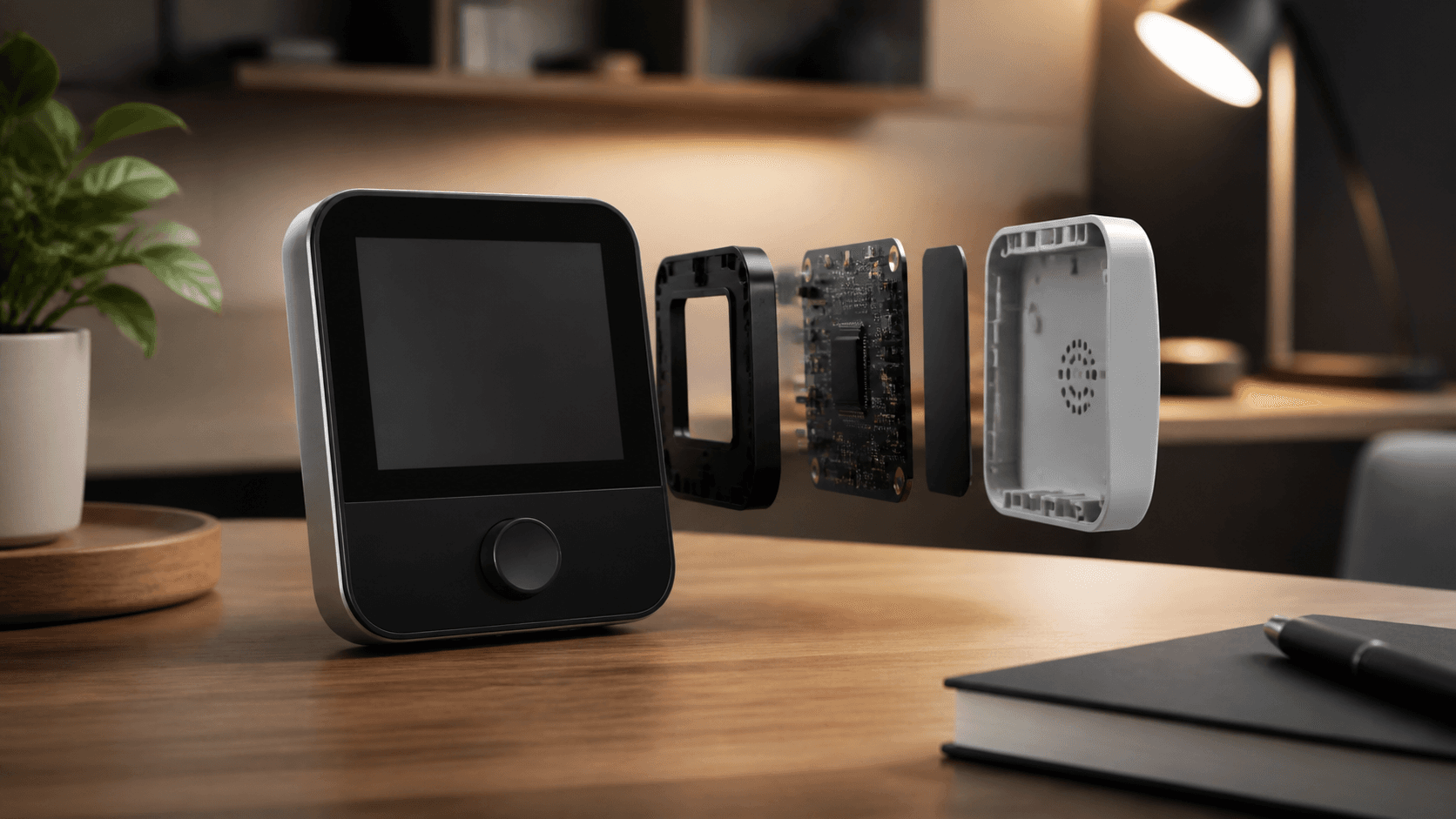
A practical product demo style for Amazon, Shopify, PDP media, and feature explanation clips.
Prompt direction: tabletop demo, feature close-up, clean product assembly or use moment.
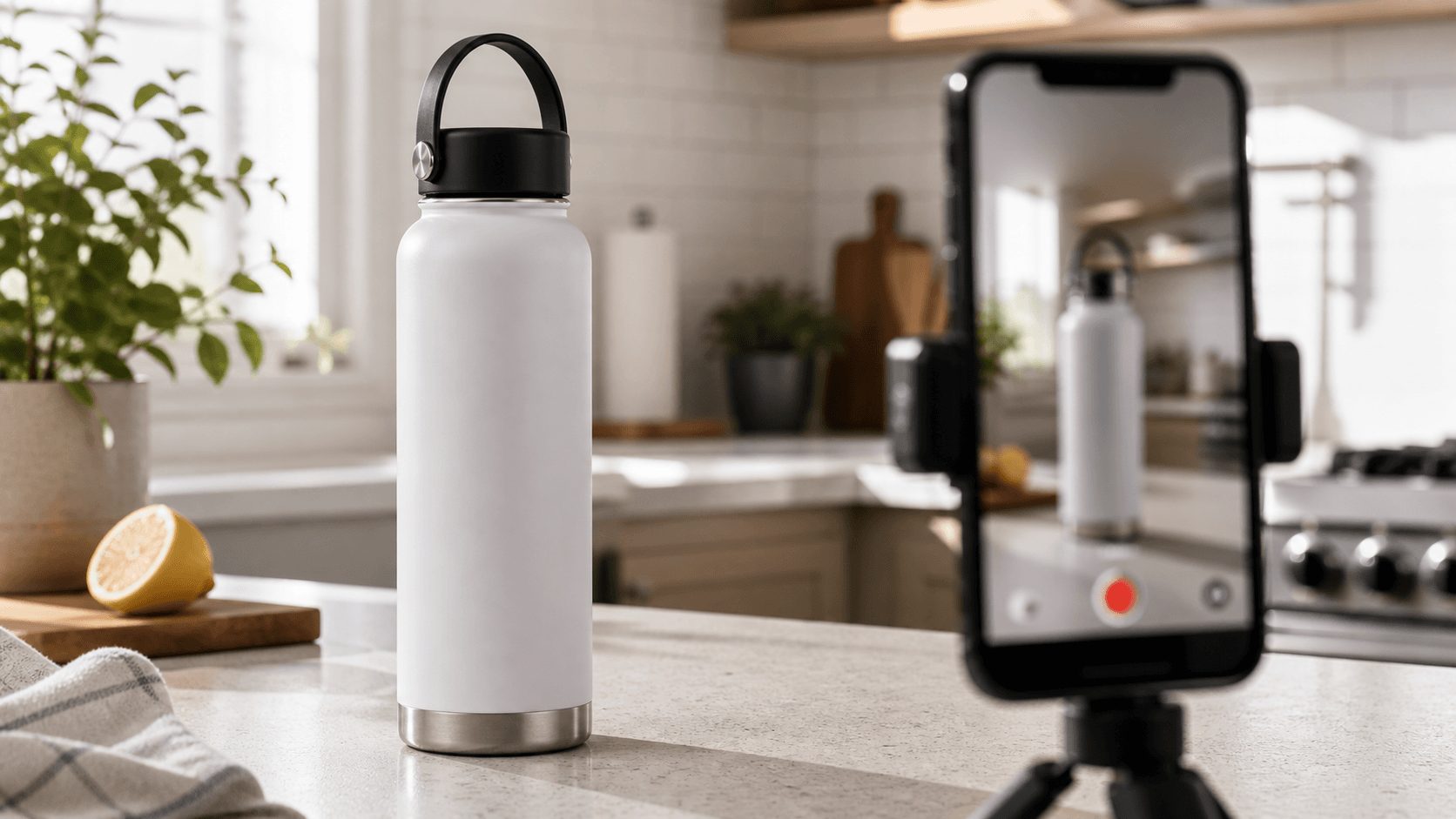
A creator-style product ad setup for TikTok Shop, Reels, Shorts, and paid social concepts.
Prompt direction: natural kitchen light, phone filming setup, product as the clear hero.
Workflow
The workflow stays focused: product image, prompt, output format, then generate.
Use a product photo where the shape, packaging, logo, and key details are easy to see.
Write the ad, showcase, lifestyle, or feature highlight you want in natural language.
Choose vertical, landscape, or square output for ecommerce pages, social ads, or launch posts.
Where it fits
Use one reliable product image as the anchor, then generate motion styles for storefronts, paid social, launch teasers, and creator-style concepts.
Use this tool when you have a product visual and need a short commercial clip without a full video shoot.
Add motion to static product photos for PDPs, landing pages, and storefront content.
Create product-focused vertical clips for TikTok, Reels, Shorts, and ad testing.
Turn a product still into a quick reveal video for announcements and campaign assets.
Use the same product-image workflow for skincare, cosmetics, supplements, packaging, and small DTC products.
Create soft studio shots, glossy highlights, cap and label close-ups, and clean product hero frames.
Use macro-style camera movement to show label texture, materials, edges, and premium finish.
Turn one product image into short vertical clips for paid social testing and launch campaigns.
When the product needs a more human feeling, write a prompt for creator-style presentation, handheld motion, or a short product hook.
Ask for a direct social opening, product close-up, and simple use moment while keeping packaging readable.
Use vertical 9:16 output for fast product tests, creator briefs, and paid social concepts.
The prompt builder keeps the uploaded item as the main subject so the ad does not drift into unrelated scenes.
Prompt control
Use prompts that say what the video should communicate while keeping the product identity stable.
Create a premium product ad with soft studio lighting, a slow push-in, clean reflections, and a polished ecommerce look.
Place the product in a realistic use environment with natural lighting and subtle camera motion.
Show macro-style detail shots that highlight packaging texture, materials, or one key product benefit.
Create an energetic social media ad with a clean reveal, premium background, and strong product focus.
Production system
Reference pages like Pollo frame product video creation as a conversation-first commerce workflow: upload a product image, describe the idea, and generate ad-ready variations. This page follows that direction while keeping the form simple.
Use clean lighting, slow push-ins, orbit movement, and polished commercial framing to turn static product photos into showcase clips.
Skip complex dropdowns. Describe the product video you want in plain language: rotation, close-up, lifestyle scene, launch teaser, or ad concept.
Generate vertical, landscape, or square product videos for ecommerce listings, paid social tests, and campaign refreshes.
Next step
Product video generation works best as part of a small marketing tool cluster: product showcases, UGC ads, ad variants, explainers, and longer story videos.
Use creator-style product presentation when the goal is TikTok Shop, Reels ads, or social proof.
Turn one product image into multiple campaign concepts for paid social and landing page tests.
Use structured scenes when the product needs feature education, a demo flow, or problem-solution storytelling.
Move from a single product clip into a longer sequence when you need a launch story or brand narrative.
Common questions about turning product images into AI marketing videos.
Upload one product image, describe the video direction, and generate a short commercial clip.
Continue the workflow with a focused tool for generation, editing, enhancement, or motion control.