AI Dance Video Generator
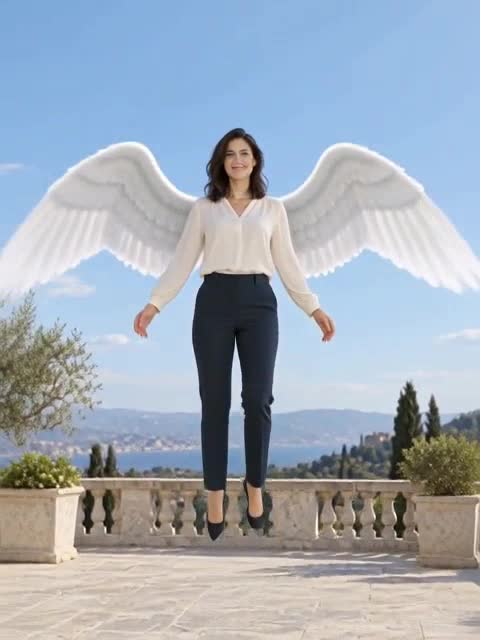
Upload one clear full-body photo and choose Hip-hop, K-pop, Classical or Modern.
Drag & Drop your images
Upload one clear full-body photo with hands and feet visible
See the motion before you generate
Your result will replace this example.
Example image
Upload to replace
Example video
Hip-hop
AI Dance Generator — Animate One Photo
Upload one clear full-body photo and choose Hip-hop, K-pop, Classical or Modern. Generate a 5- or 10-second dance clip at 480p or 768p with Pruna H3, then review the face and limbs throughout the motion.
Turn a Photo into a Continuous Dance Clip
One photo supplies the subject; the selected style supplies the movement direction. This page does not accept a music track or a choreography reference.
Upload one full-body photo
Keep one person, their hands and feet visible, with space around the body and a simple background.
Choose one of four styles
Select Hip-hop, K-pop, Classical or Modern. Each preset directs a different sequence of continuous movements.
Choose duration and quality
Select 5 or 10 seconds and 480p or 768p. Review the credit estimate before generating.
Review and download
Watch the complete clip for face changes, distorted limbs or sliding feet before downloading.
Need to Follow a Specific Dance?
Use Motion Control with a character image and reference video to guide the movement. These photo-only dance presets do not reproduce a specific song or choreography.
Give the Model Room to Move
A clear, single-person photo reduces ambiguity. Cropped feet, crossed limbs, crowds and heavy occlusion make the movement harder to maintain. Facial likeness and clothing details can still change.
AI Dance Generator FAQ
Everything you need to know about generating AI dance videos.
Create a Dance Clip from Your Photo
Choose a clear full-body photo and one of four styles, then review the generated movement.