Greetings and reaction clips
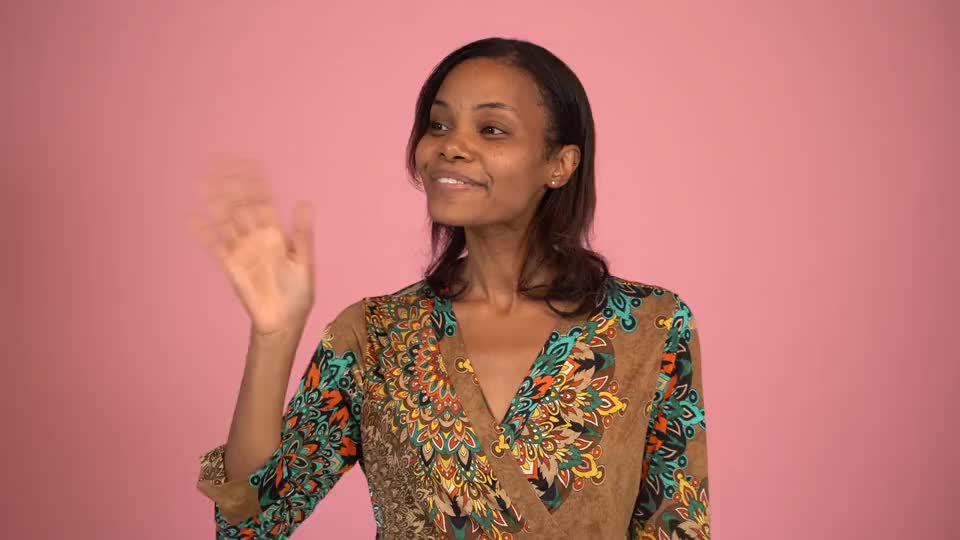
Restyle a wave, smile or simple gesture for a short personal greeting or social post. Keep the subject large enough for facial features to remain readable.
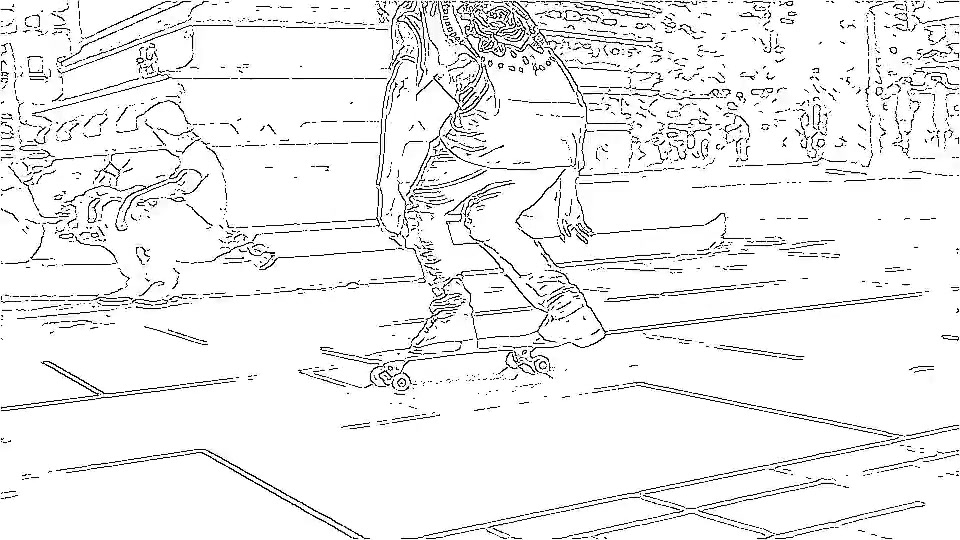
Give your video bold ink outlines, vivid colors and comic-style halftone shading.
Drag & Drop your video
MP4 / MOV · 2–10 seconds · Up to 100 MB
From 3 credits
Give a greeting, gesture or short performance bold ink contours, flat colors and printed halftone shading to create a moving color comic. Faces, details and timing may change; preview the result alongside your original.
By StyvidUpdated Contact us
Choose one 2–10 second MP4 or MOV file, up to 100 MB. Start with a clear subject, steady lighting and a single continuous shot.
Select 720p or 1080p, check the displayed credit total and start generating. No prompt is needed.
Compare the full animation with your original before downloading. Check faces, hands, motion and audio. Try a simpler source if there is flicker, missing motion or distorted detail.
Restyle a wave, smile or simple gesture for a short personal greeting or social post. Keep the subject large enough for facial features to remain readable.
Explore how a short pose or movement looks with inked contours and comic colors. Treat the output as a visual draft; exact identity and choreography are not guaranteed.
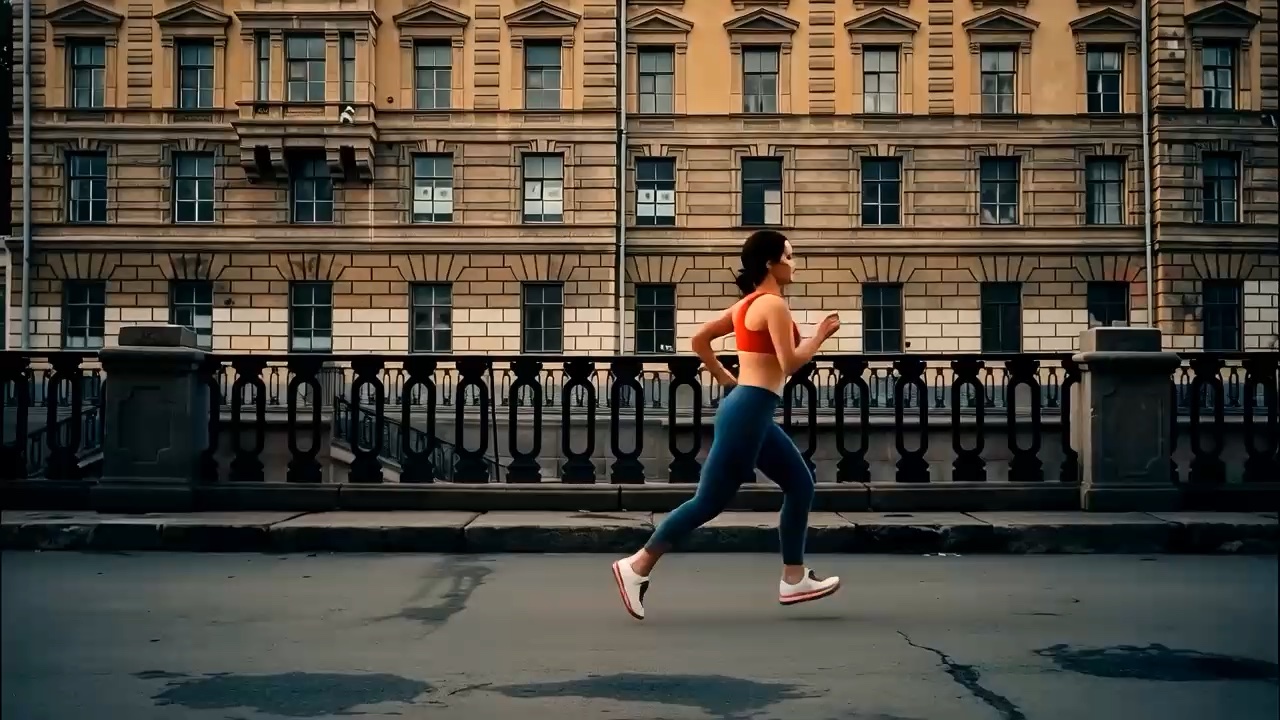
Create a stylized cutaway for an edit or storyboard concept. Add captions and logos in your video editor afterward, because small text and precise marks can be redrawn.