TikTok product ad
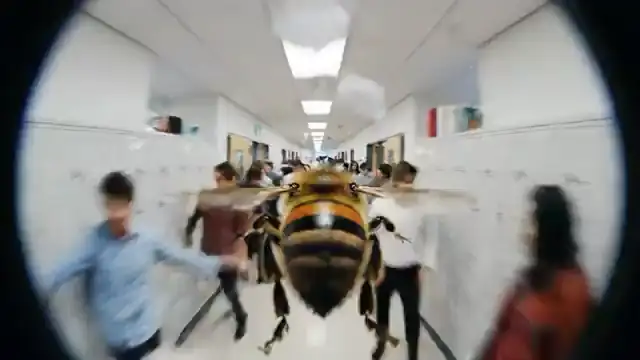
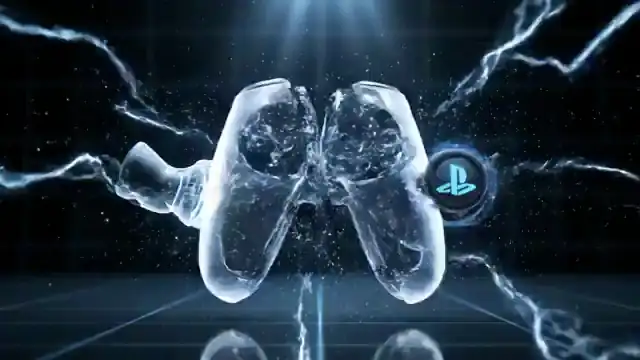
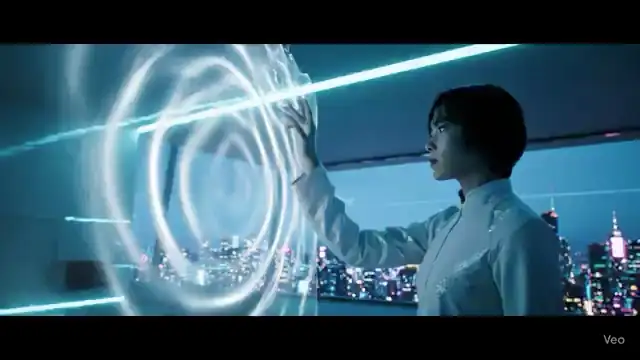
Open with a fast product reveal, a clear hook, and motion that feels native to short-form feeds.
Use this promptAI Text-to-Video Generator
Turn written prompts into short AI video drafts for TikTok, Reels, YouTube Shorts, product demos, landing pages, and paid social ads. Styvid is built for creators, marketers, ecommerce teams, agencies, product teams, and founders who need to test a video idea before spending time on editing, filming, or full production.
Write the subject, scene, mood, and camera.
Create a short AI video draft in seconds.
Adjust your prompt and generate again.
Start with prompt patterns for TikTok, Reels, YouTube Shorts, product pages, and paid social drafts.
Open with a fast product reveal, a clear hook, and motion that feels native to short-form feeds.
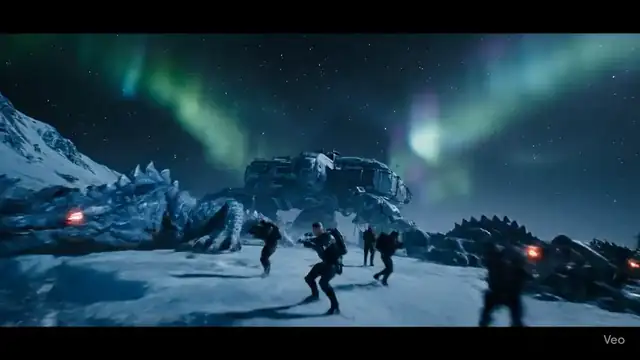
Use this promptTurn a place, product, or mood into a polished brand opener before planning the final edit.
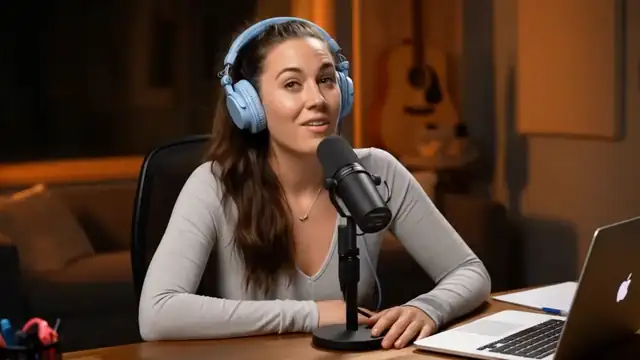
Use this promptCreate a strong visual opener for a channel intro, tutorial hook, or tech-focused short.
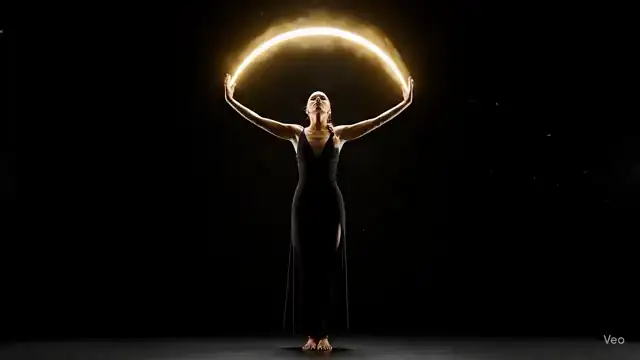
Use this promptShow a product feature, benefit, or launch moment as a clean motion draft for review.
Use this promptText-to-video is for the stage before a final asset exists. Use it when you know the message, product, scene, or campaign angle, but still need to see whether the idea works as motion. A useful prompt gives the model enough visual direction to create one clear, reviewable moment.
Text-to-video is useful when the source material is still a sentence, product angle, campaign brief, or rough scene direction. Generate a quick draft first, then decide whether the concept deserves editing time, filming budget, or a more detailed storyboard.
Instead of debating one written idea, create several visual directions from different prompts. Compare pacing, framing, product focus, tone, and channel fit before committing to the version that should move into production.
A video draft is easier to review than plain copy. Creators, marketers, founders, agencies, and product teams can use the generated clip to discuss what works, what feels off, and what needs a sharper prompt.
The same idea can feel very different as a vertical hook, square feed post, product-page demo, or landscape explainer. Starting with the target placement helps you judge the draft against the real context where viewers will see it.
Keep the draft close to the channel and placement you are testing, so the first output already matches the final review context.
Use this workflow when the source material is still an idea, sentence, product angle, or campaign brief, and you need a quick motion draft before editing, filming, or presenting the concept. The goal is not to replace final creative judgment; it is to make the next creative decision easier to see.
Draft hooks, intros, visual jokes, transitions, or scene concepts before opening an editor or filming a full take.
Turn written campaign ideas into motion tests for paid social, landing pages, product launches, and A/B creative reviews.
Show a feature, benefit, interface idea, or product moment as a short draft that stakeholders can understand quickly.
Bring client directions into review with motion references, not just scripts, mood boards, or static copy.
Create first-pass videos for announcements, waitlists, investor updates, product teasers, and early pitch material.
Get quick guidance on short AI video drafts, social-ready outputs, prompt quality, downloads, and commercial use.
Text-to-video generation turns a written prompt into a short AI-generated video draft. Describe the subject, action, setting, camera movement, visual style, and intended channel, then use the first output to judge whether the scene works before editing, filming, or producing a final asset.
Yes. Use the drafts for TikTok, Instagram Reels, YouTube Shorts, product demos, landing pages, paid social concepts, ecommerce tests, and internal creative reviews. Choose vertical, square, or landscape format based on where the video will appear.
Yes. This workflow is most useful when the source material is still an idea, campaign angle, script line, product benefit, or rough brief. Creators, marketers, ecommerce teams, founders, agencies, and product teams can review a motion draft before committing more time or budget.
Start with a fast model when you are exploring rough ideas or comparing several prompt directions. Choose a cinematic or higher-quality model when realism, product polish, or presentation quality matters. Move into Story Video when the concept needs connected scenes instead of one short clip.
You can start with short drafts in vertical, square, or landscape formats, then adjust settings around the channel you plan to test. Vertical works well for TikTok, Reels, and Shorts, square fits feed placements, and landscape works for YouTube, demos, landing pages, and decks.
You can refine the prompt, change the model or format settings, generate another draft, download the result, or continue into a story workflow. The usual process is to create a first pass, review motion and framing, then improve the prompt with more specific direction.
Start with a written prompt, generate a short AI video draft, and use the result to judge the hook, motion, format, and channel fit. When the concept works, refine the prompt, download the clip, or move into a longer story workflow. When it misses, adjust the subject, camera direction, pacing, or style and generate another draft before spending production time.
Generate video