Click to upload or drag and drop your video here
500MB
Your Video Will Appear Here
Fill in the form and click generate to create your video
AI Video Upscaler – Enhance Video Quality to HD/4K Instantly
Transform low-quality, blurry, or pixelated videos into crystal-clear high-definition content. Upscale to 720p, 1080p, or 4K with AI-powered enhancement. Perfect for content creators, marketers, and professionals.
🎬 Why Choose AI Video Upscaler?
Stop accepting low-quality videos. Transform blurry, pixelated, or low-resolution footage into professional HD content with our AI-powered enhancement.
🚀 Upscale to 4K Resolution
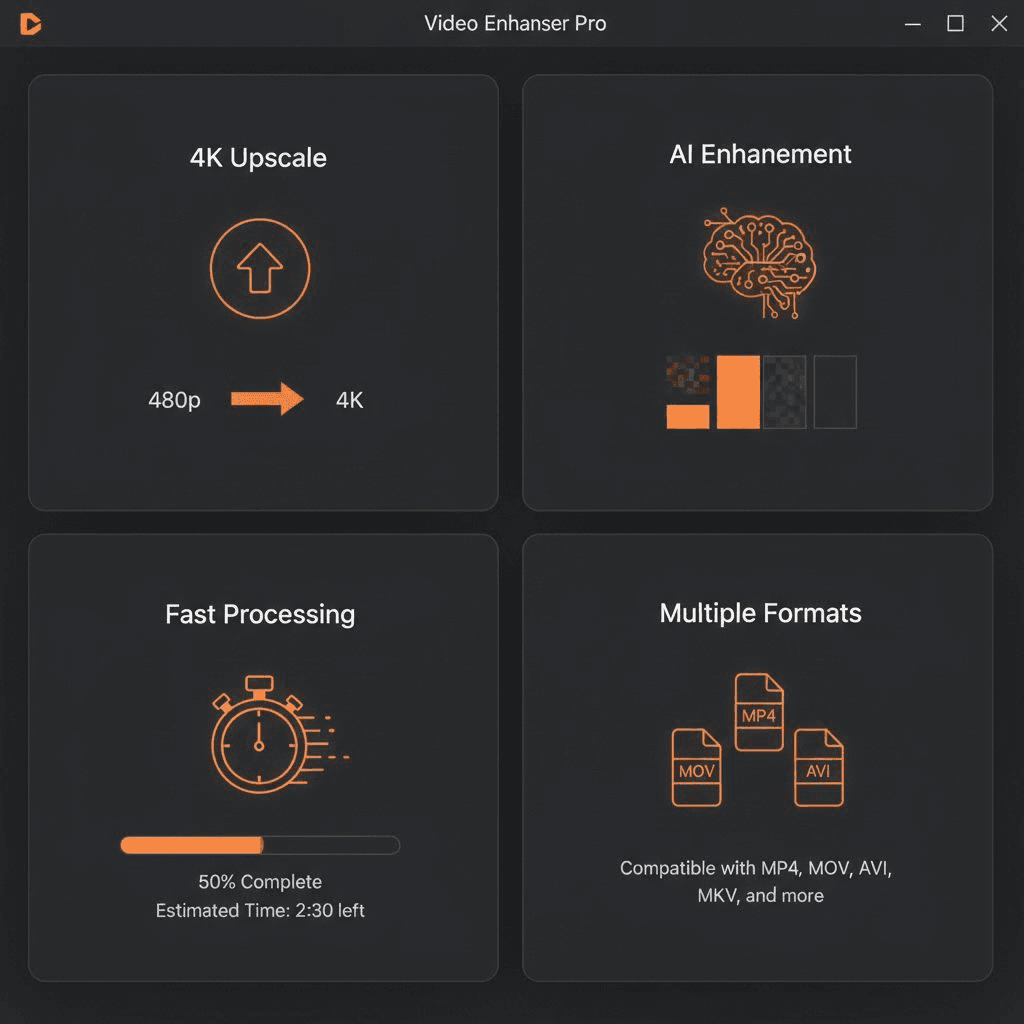
Enhance videos up to Ultra HD 4K (3840x2160). Perfect for professional content, YouTube, and high-end presentations.
🔍 AI-Powered Detail Enhancement
Advanced AI algorithms restore lost details, reduce noise, and sharpen edges while maintaining natural-looking results.
⚡ Fast & Easy Processing
No technical skills required. Upload your video, select quality, and get enhanced results in minutes not hours.
🎯 Multiple Quality Options
Choose from HD (720p), Full HD (1080p), or Ultra HD (4K) based on your needs and platform requirements.
Enhance Your Videos in 3 Simple Steps
No complex software to install. No video editing skills needed. Just upload, select quality, and download.
1️⃣ Upload Your Video
Upload any low-quality, blurry, or low-resolution video up to 500MB. Supports MP4, MOV, AVI, and other popular formats.
2️⃣ Select Target Quality
Choose your desired output quality: HD (720p) for web, Full HD (1080p) for social media, or 4K for professional content.
3️⃣ Download Enhanced Video
Get your crystal-clear enhanced video ready to use. Share directly to YouTube, Instagram, TikTok, or any platform.

Who Uses AI Video Upscaler?
From professional filmmakers to social media creators, discover how AI video enhancement transforms workflows.
🎥 Content Creators & YouTubers
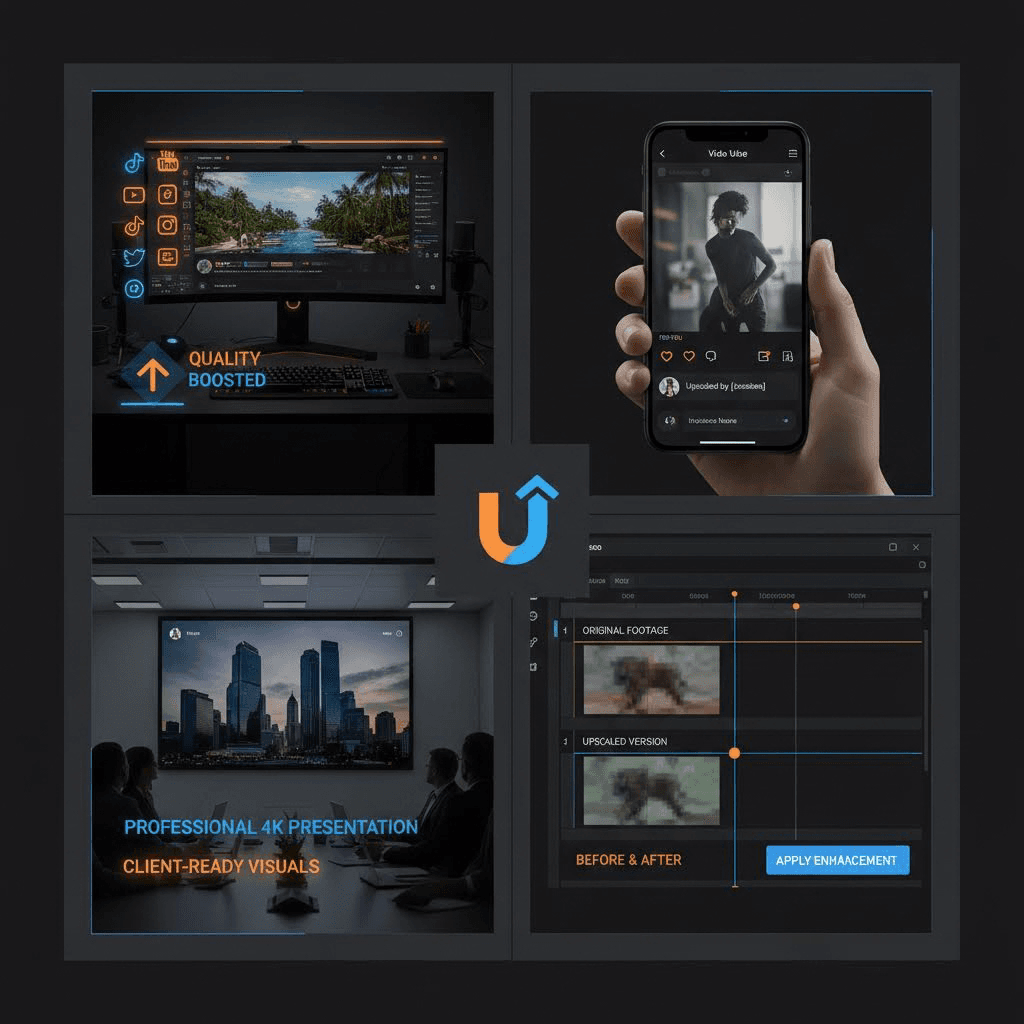
Upscale old or low-resolution footage to match your current content quality standards. Keep your channel looking professional.
📱 Social Media Marketers
Ensure all your videos look crisp and professional on TikTok, Instagram Reels, YouTube Shorts, and Facebook.
🏢 Businesses & Professionals
Enhance product demos, presentations, and marketing materials. Make a great impression with high-quality video content.
🎬 Filmmakers & Editors
Restore and enhance archival footage or low-budget shots. Save time on manual editing and achieve professional results.
What Makes Our AI Video Upscaler Different?
Not just a simple resize. True AI-powered enhancement that understands and improves your video content.

🎨 Intelligent Detail Preservation
AI understands the content and enhances details while avoiding artificial-looking sharpening or halos.

⚡ Lightning-Fast Processing
Get results in minutes, not hours. Optimized AI models deliver quality enhancement without the long wait times.

🔒 100% Privacy & Secure
Your videos are processed securely and automatically deleted after processing. Your content stays private.

💰 No Software Installation
Works entirely in your browser. No downloads, no installations, no compatibility issues. Just upload and enhance.

📺 Multiple Format Support
Supports MP4, MOV, AVI, MKV, and more. Enhanced videos are delivered in optimized MP4 format for maximum compatibility.

🎯 Quality Preserved
AI enhancement maintains natural colors, motion, and visual appeal. No over-sharpening or artificial artifacts.
🎉 Trusted by 100,000+ Content Creators Worldwide
See how creators, businesses, and professionals are using AI video upscaling to transform their content.
YouTuber, 800K Subscribers
Had so many old videos in 480p that looked terrible on modern screens. Used AI upscaler to enhance my entire back catalog to 1080p. Subscribers noticed the quality improvement immediately! My old videos are getting new views.

Social Media Manager
Our client had archived product videos from 10 years ago in terrible quality. Upscaled them to 4K and they now look professional enough for current marketing campaigns. Saved us reshoot costs worth thousands.

TikTok Creator, 1.5M Followers
Always struggled with low-quality source footage. Now I just upscale everything to 1080p before posting. The enhancement is incredible – crisp details, no artifacts, and my content looks way more professional.
Freelance Video Editor
This tool has become essential for my workflow. Clients often provide low-quality footage, and AI upscaler saves me hours of manual enhancement work. The results are consistently impressive and natural-looking.
Frequently Asked Questions About AI Video Upscaling
Everything you need to know about enhancing video quality with AI.
🚀 Ready to Transform Your Video Quality?
Join 100,000+ creators who are enhancing their videos with AI. Upload your first video and see the difference – no credit card required.