Best Portrait Photos for AI Portrait Animation
styvid Team
4/20/2026
Introduction
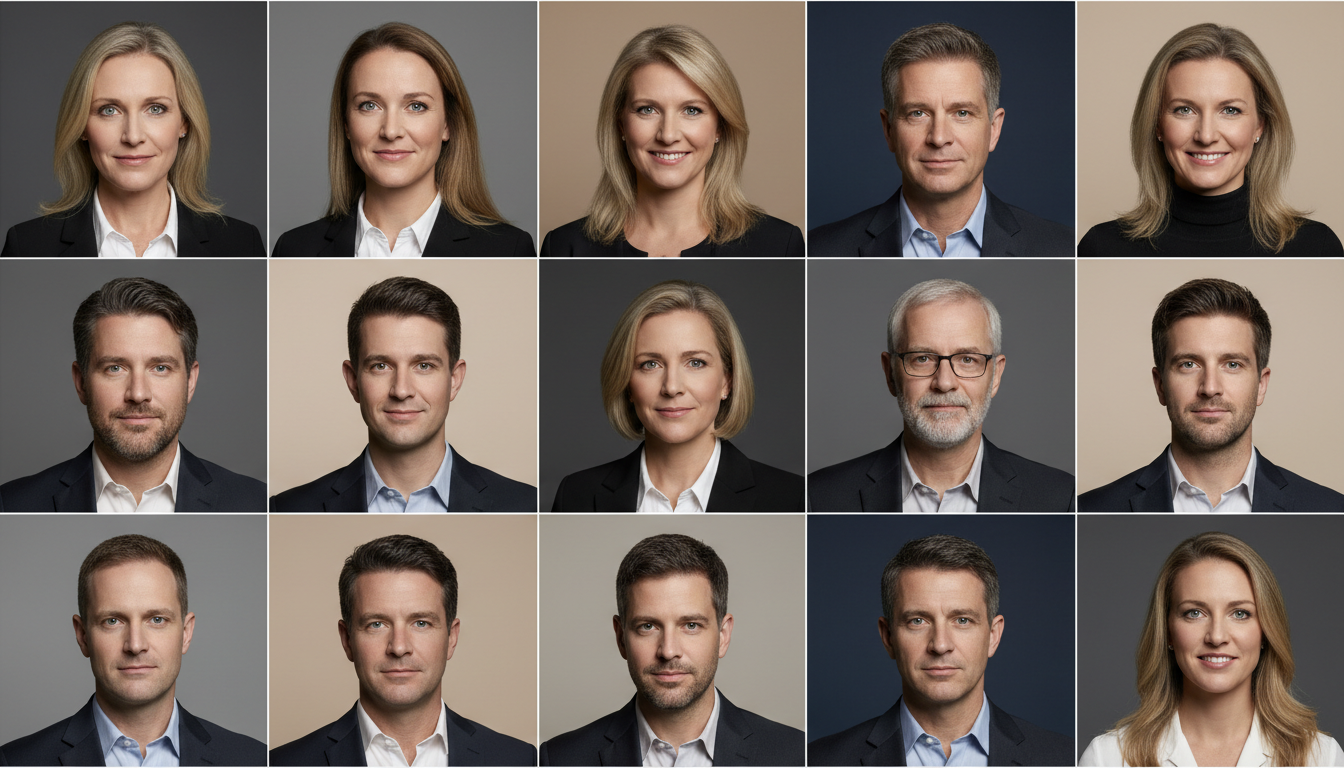
Portrait animation is only as clean as the portrait you start from.
If the input image already behaves like a strong portrait, the output is more likely to preserve:
- likeness
- eye detail
- subtle movement
- subject-first framing
If the input behaves like a crowded scene, the AI has more room to drift away from the portrait itself.
The Best Portrait Photos Usually Share Four Traits
The strongest inputs usually have:
- one subject
- readable eyes
- stable lighting
- simple enough background
That combination gives the model a cleaner subject anchor and reduces scene drift.
Why Headshots and Upper-Body Portraits Work So Well
Portrait animation is a people-first workflow.
That means the face should stay central.
Headshots and upper-body portraits often work best because:
- facial detail is easier to preserve
- the eyes remain readable
- the subject scale is clearer
- the composition stays focused
Wider shots can still work, but they create more ambiguity about whether the subject or the environment matters more.
Why Eye Visibility Matters
Small portrait motion usually depends on details like:
- blinking
- subtle gaze stability
- facial presence
If the eyes are hidden, too small, or covered by heavy shadow, the result usually gets weaker.
Why Stable Lighting Helps
Stable lighting helps preserve:
- skin tone
- hair edges
- facial structure
- expression detail
It also reduces the chance that the model starts hallucinating changes that do not belong in a portrait-first output.
Which Expressions Work Best
Calm or lightly expressive portraits are usually safer than extreme expressions.
That is because portrait animation is strongest when the motion is subtle. A source image that already suggests heavy action or theatrical emotion can push the output in a less stable direction.
Why Background Simplicity Still Matters
A clean background does not make the image boring. It makes the subject easier to preserve.
If the background is too dramatic, the model may start treating the whole frame like a scene instead of a portrait.
That is usually the wrong direction for:
- creator profiles
- speaker cards
- presenter visuals
- avatar-style intros
Common Weak Inputs
Avoid source images with:
- multiple people
- strong face occlusion
- motion blur
- cluttered environments
- tiny subject framing
These traits make portrait animation much harder to control cleanly.
A Quick Portrait Checklist
Before uploading, ask:
- Is there one clear subject?
- Are the eyes readable?
- Is the lighting stable?
- Does the background stay secondary?
- Does the image already feel like a portrait rather than a scene?
If yes, the odds of a cleaner result go up quickly.
Conclusion
The best portrait photos for AI portrait animation are usually not the most dramatic ones. They are the clearest, calmest, and most identity-focused ones.
If the source image already behaves like a strong portrait, the output is much more likely to preserve presence without turning into a scene.
If that matches your use case, use Styvid Portrait Animation with a clean headshot or upper-body portrait as your starting point.