How to Animate a Portrait Without Turning It into a Scene
styvid Team
4/20/2026
Introduction
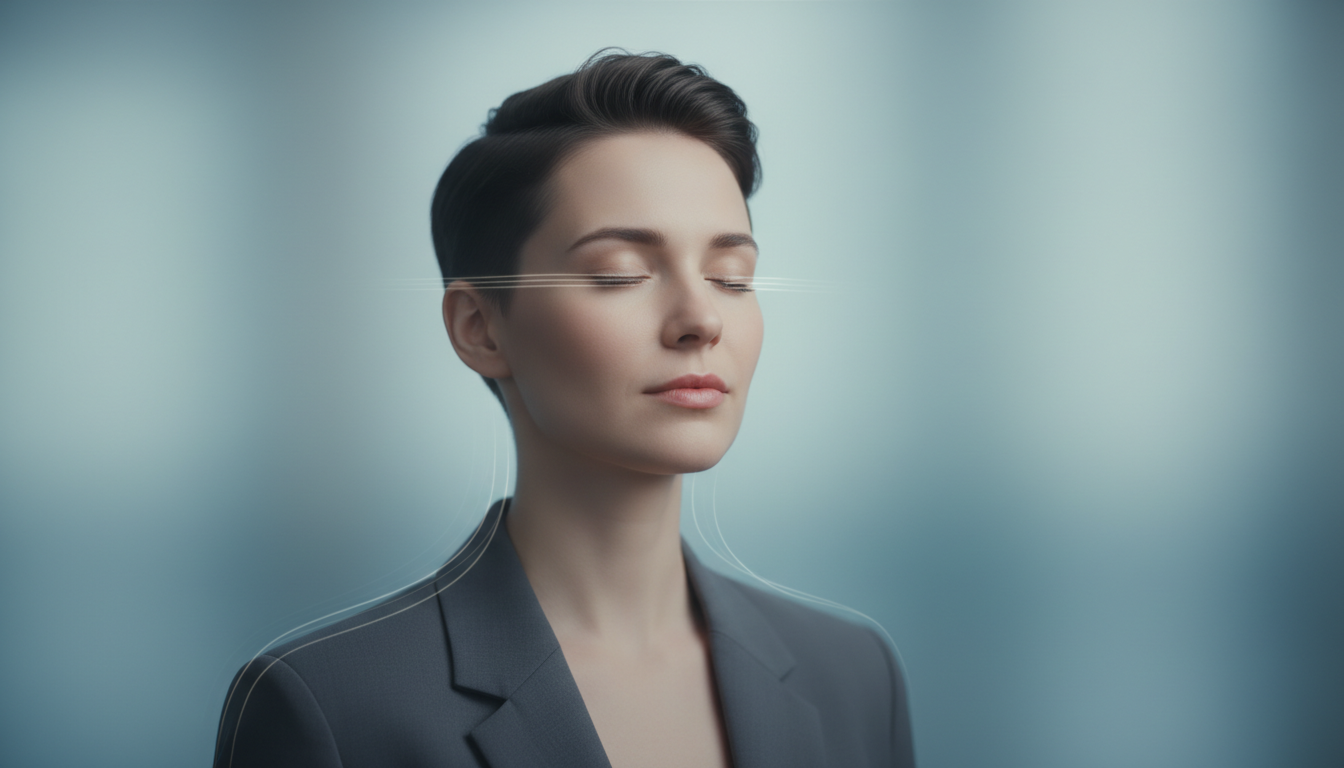
Portrait animation should make a person feel present, not turn a simple headshot into a mini movie.
That distinction matters.
When the job is to animate a portrait for a profile, creator card, speaker visual, or intro asset, subtle motion usually performs better than dramatic transformation.
The ideal result feels like the subject came slightly alive on camera. It should not feel like the model rebuilt the entire scene around them.
The Best Use Cases Are Usually Identity-First
Portrait animation is strongest when the job is to preserve likeness and add presence.
Typical fits include:
- creator profiles
- speaker cards
- webinar or event visuals
- avatar-style intros
- presenter assets on landing pages
If the brief is really about a person being recognized quickly and cleanly, portrait animation is usually the right direction.
What Portrait Animation Should Actually Look Like
In most functional use cases, portrait animation works best when it stays small.
The motion should usually feel like:
- blinking
- breathing
- slight posture change
- small head movement
This kind of motion makes the subject feel more human and present without changing the purpose of the image.
Why Subtle Motion Usually Wins
Most portrait use cases are still about identity and clarity.
For example:
- creator profiles
- speaker cards
- presenter intros
- podcast visuals
- team and brand assets
In those contexts, the face is the asset. The motion should support the face, not compete with it.
What Causes Portraits to Turn into Scenes
The source image is too broad
If the original photo already behaves more like a scene than a portrait, the AI has more room to shift attention away from the subject.
The prompt pushes too much atmosphere
When prompts focus on cinematic storytelling rather than presence, the output can drift into a new visual concept.
The workflow is too generic
Broad video workflows are useful, but portrait animation works better when the page and model behavior are tuned for people-first visuals.
Best Source Portraits for Clean Results
The best source photos usually have:
- one subject
- clear eye visibility
- stable lighting
- readable hair and facial detail
- controlled background
Headshots and upper-body portraits are often the safest format because they keep the face central.
Why Background Simplicity Helps
A simple background reduces the chance that the model starts inventing a bigger environment.
That matters because the goal here is not scene expansion. The goal is to preserve portrait identity while adding subtle movement.
Good Use Cases for Portrait Animation
Creator profiles
Portrait animation can make a still creator image feel more present on a personal site or social profile.
Speaker and presenter assets
For event pages, webinars, and speaker cards, light motion can improve presence without turning the visual into a performance clip.
Avatar-style intros
This is also a good fit for lightweight intros where you want the subject to feel alive without going into full talking-avatar territory.
What to Avoid
Avoid source images with:
- multiple people
- heavy face occlusion
- motion blur
- tiny subject framing
- highly dramatic or cluttered environments
These traits make it harder to preserve the portrait-first character of the output.
A Simple Rule for Portrait Animation
If your creative brief sounds like:
- keep the person recognizable
- keep movement light
- do not invent a new scene
then you are in portrait animation territory.
If your brief sounds like:
- build a cinematic scene
- redesign the whole frame
- create broader action
then you are likely asking for another workflow.
What to Look for in the Actual Result
A strong portrait animation result usually keeps:
- the face recognizable
- the eyes stable
- the posture believable
- the background from becoming the main event
If the motion starts to feel like a scene generator instead of a portrait tool, the workflow is drifting away from its strongest use case.
Conclusion
The best portrait animation is usually restrained.
It keeps the subject recognizable, adds just enough motion to create presence, and avoids turning a clean portrait into a generic cinematic scene.
If that is the outcome you want, start from a strong portrait and use Styvid Portrait Animation, which is positioned for exactly this kind of subject-first result.