Best Images for Image-to-Video AI
styvid Team
4/20/2026
Introduction
Image-to-video gets judged like a generation problem, but a lot of output quality is really an input problem.
If the source image is unclear, crowded, or weakly framed, the model has to guess too much.
If the source image is strong, the model can spend more effort on motion instead of trying to reconstruct the image logic itself.
That is why picking the right source image is one of the fastest ways to improve results.
The Best Inputs Usually Have One Clear Subject
This is the most consistent rule.
The model performs better when it can immediately tell:
- what the subject is
- what should stay central
- what motion should probably affect
If the image contains too many competing elements, the output often gets less stable.
Strong Product Images
Product images work well when:
- the product is dominant
- the framing feels intentional
- the lighting is clean
- materials and edges are visible
This is why image-to-video often works well for product visuals, social ads, and showcase-style content.
Strong Portrait Images
Portraits are another reliable category, especially when:
- there is one subject
- the face is readable
- the lighting is even
- the background is controlled
If the portrait is calm and clearly framed, the animation often feels cleaner.
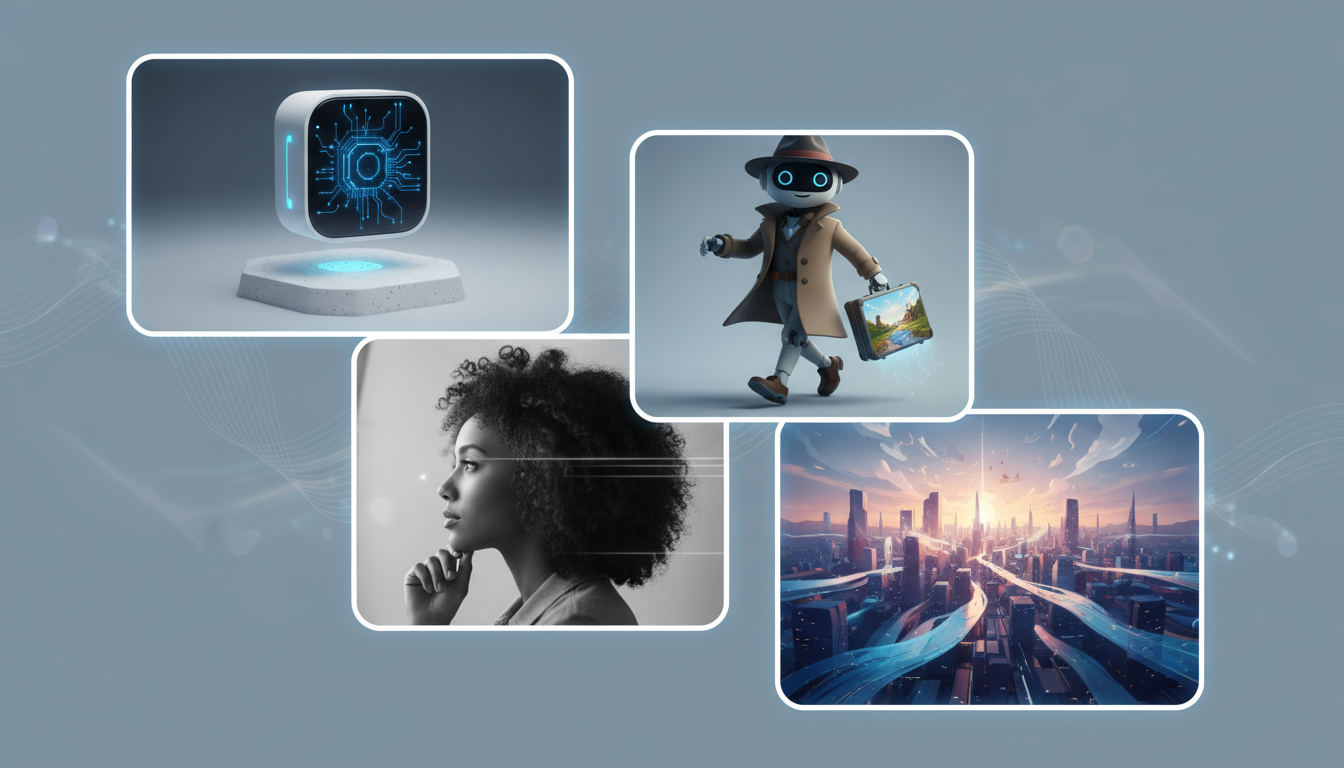
Strong Character and Illustration Stills
Stylized inputs can also work very well.
That includes:
- illustrations
- avatars
- anime-style characters
- game-inspired portraits
The main requirement is still clarity. The model needs a readable subject and stable structure.
Strong Scene Images
Scenes can work well too, but only when the composition is understandable.
Useful scene images usually have:
- a dominant subject
- clear depth
- controlled background complexity
- enough lighting information to guide motion
If the scene is too chaotic, the output usually drifts faster.
Common Weak Inputs
Tiny subjects
If the main subject is too small in frame, the model has less to preserve.
Cluttered backgrounds
Busy scenes create ambiguity about what matters most.
Poor lighting
Low clarity makes it harder for the model to preserve detail while animating.
Weak framing
If the original image already feels accidental, the video often does too.
A Simple Pre-Upload Test
Before uploading, ask:
- Is there one clear subject?
- Is the framing intentional?
- Is the image readable at a glance?
- Are lighting and detail good enough to preserve?
- Does the image already feel worth animating?
If the answer is yes, your odds of a strong result improve immediately.
Conclusion
The best images for image-to-video AI are not defined by one style. They are defined by clarity.
Whether you are uploading:
- a product shot
- a portrait
- a character still
- a scene image
the same principle holds: the model works better when the source image already makes visual sense.
If you want to test that directly, start with Styvid Image-to-Video and compare a strong source image against a weak one. The difference is usually obvious.