Motion Control vs Image-to-Video: Which Workflow Fits Better
styvid Team
4/20/2026
Introduction
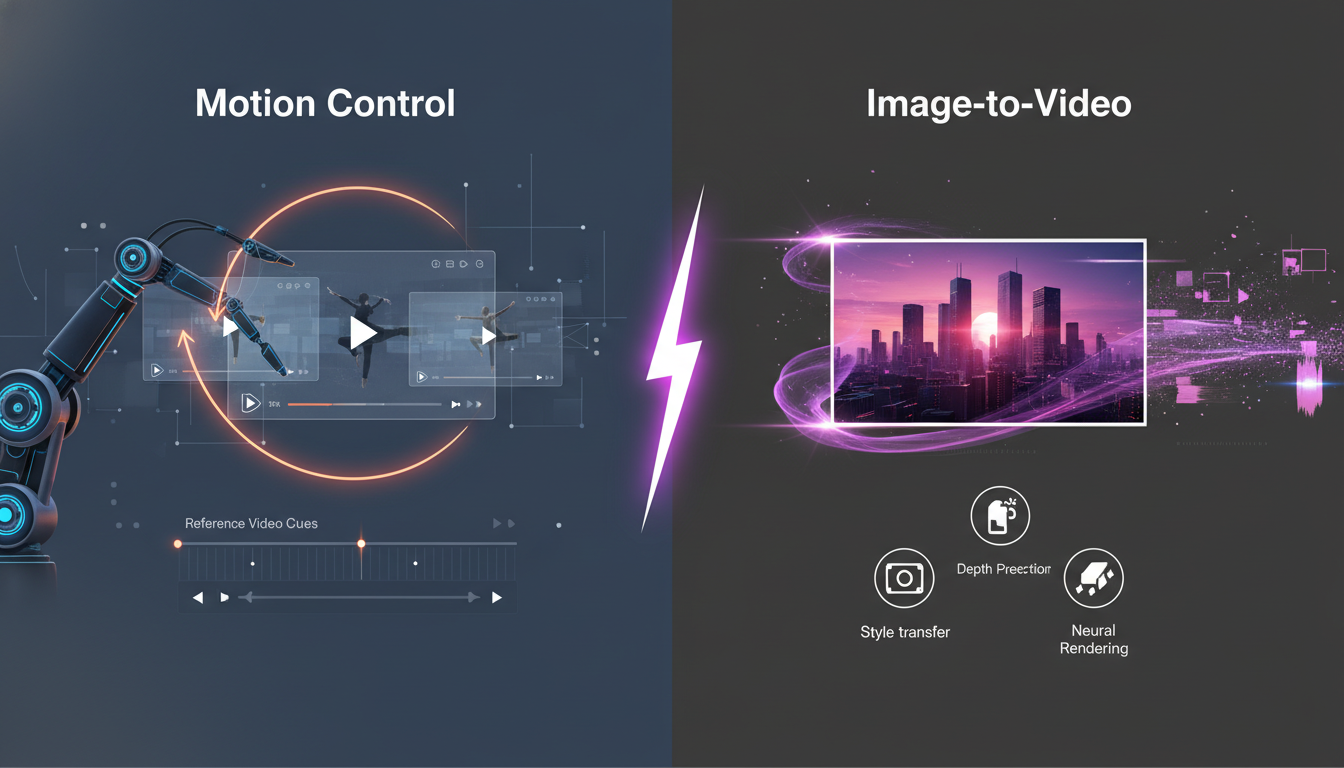
Motion control and image-to-video can both animate a still image, but they are not solving the same problem.
The quickest way to choose between them is to ask one question:
Do you need specific motion, or do you need simple animation from one image?
If you need specific movement, motion control is usually the better workflow. If you need speed, simplicity, or broader animation, image-to-video often makes more sense.
What Motion Control Is Best At
Motion control is built for a more directed workflow.
You provide:
- one image for the subject
- one reference video for the movement
That makes it a strong choice when the exact motion matters.
Typical fits include:
- pose transfer
- dance or gesture transfer
- controlled camera motion
- character animation with repeatable movement logic
If the job sounds like "make this image move like that clip," motion control is usually the right answer.
What Image-to-Video Is Best At
Image-to-video is better when you want a lighter workflow.
You upload one strong image, choose the model and settings, and let the model infer how the scene should move.
This is useful when:
- you do not have a reference clip
- you want faster iteration
- you want broader scene animation
- the motion does not need to match a specific source
If the job sounds like "animate this image in a convincing way," image-to-video is often enough.
Input Requirements
Motion control
Needs:
- one clear subject image
- one usable reference video
This makes it more controlled, but also more demanding.
Image-to-video
Needs:
- one strong source image
This makes it easier to start, but also less precise when movement is important.
Control vs Speed
This is usually the real tradeoff.
Motion control gives you more control
You can shape:
- movement pattern
- pacing
- camera behavior
- body logic
Image-to-video gives you more speed
You can:
- start from one image
- iterate quickly
- test more ideas without preparing a reference clip
If your priority is precision, choose control. If your priority is throughput, choose speed.
Which Workflow Fits Common Use Cases
Character animation
If the movement matters, motion control is usually stronger.
Product clips
If the goal is a clean product showcase from one image, image-to-video or a more specific effect like product motion is often the easier fit.
Portrait animation
If you want subtle presence from one portrait, a portrait-specific effect is usually better than either generic workflow.
General content ideation
Image-to-video is often better when you just want to explore motion quickly from a source image.
A Fast Decision Rule
Use motion control when:
- you have a reference clip
- the movement pattern matters
- you want more control
Use image-to-video when:
- you only have one image
- you want faster iteration
- you want broader animation rather than exact transfer
Conclusion
Motion control and image-to-video are both useful, but they fit different jobs.
Motion control is usually better for specific movement. Image-to-video is usually better for simple, faster animation from one source image.
If your project needs a reference-based workflow, start with Styvid Motion Control. If you want a lighter one-image workflow, start with Styvid Image-to-Video.