What Is AI Motion Control and When Should You Use It
styvid Team
4/20/2026
Introduction
AI motion control is best understood as a controlled animation workflow, not just another image-to-video button.
Instead of uploading one image and hoping the model invents the right movement, you provide two inputs:
- one image that defines the subject
- one reference video that defines the motion
That makes motion control a better fit for creators and teams who want a result that follows a clearer movement pattern, especially for character animation, camera movement, and pose-driven clips.
If your goal is "make this image move in a specific way," motion control usually deserves a closer look than a general image-to-video workflow.
Who This Workflow Is For
Motion control is a good fit when movement is already part of the brief.
That usually means:
- character animation from a static image
- pose-driven movement
- reference-based camera motion
- creator or brand assets that need repeatable movement logic
It is less useful when the model is supposed to invent the whole scene from scratch.
What AI Motion Control Actually Does
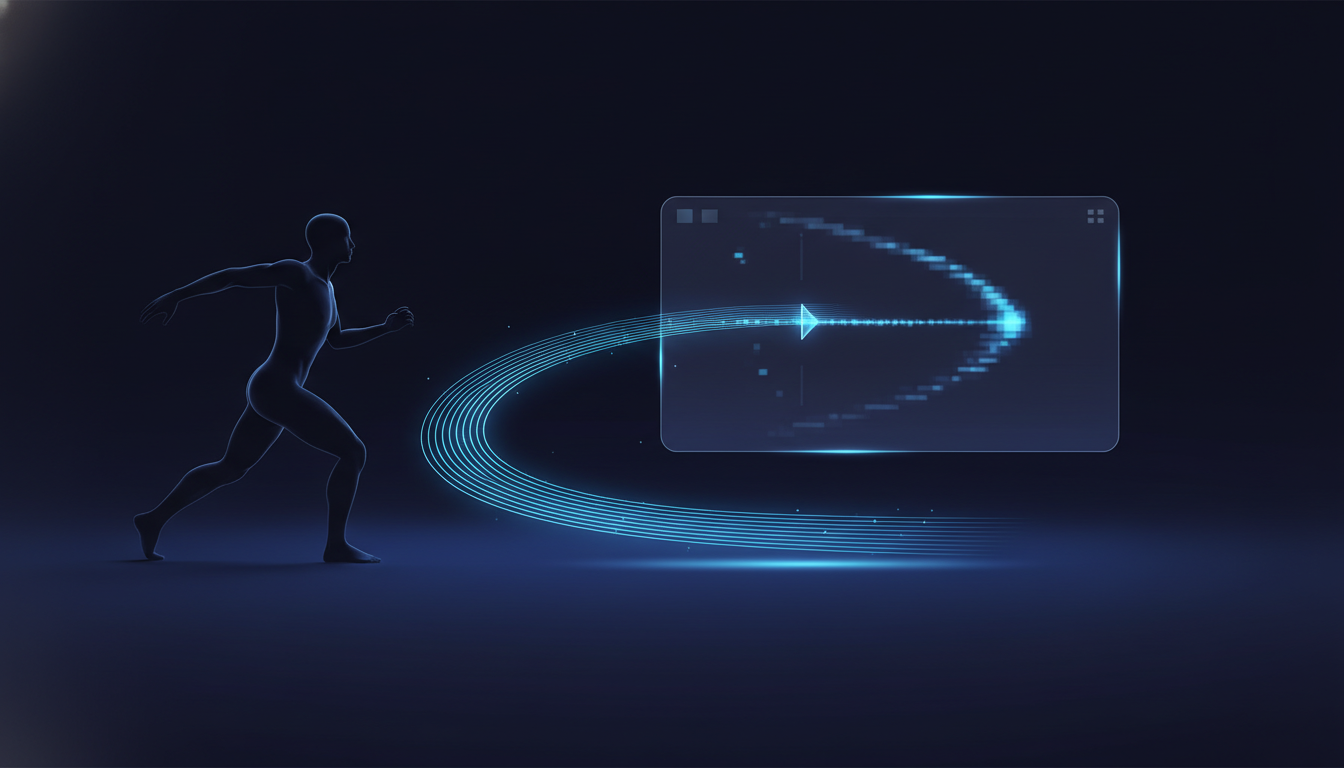
At a practical level, AI motion control separates subject from movement.
- The image tells the model who or what should appear in the shot.
- The reference video tells the model how that subject should move.
This is why motion control is often more predictable than a broad image-to-video workflow. You are not asking the model to invent both content and movement from scratch. You are anchoring the output with a real motion source.
That does not mean the result is perfectly deterministic. AI still interprets the input. But the movement target is much clearer.
When Motion Control Is Better Than Image-to-Video
Motion control is usually the better choice when the movement itself is part of the job.
1. You need a specific pose path
If the character should walk, turn, dance, or move through a scene in a particular way, a reference video gives the model a much better signal than a text prompt alone.
2. You want camera movement that feels repeatable
For orbit shots, push-ins, follow shots, or stylized camera motion, a reference clip often produces cleaner results than trying to describe the entire move in text.
3. You are working with character or avatar visuals
When the subject is a person, avatar, illustration, or game-style character, motion control helps preserve the visual identity while borrowing movement from a separate clip.
4. You care more about control than surprise
Generic image-to-video can be useful when you want the model to improvise. Motion control is more useful when you already know the kind of movement you want.
When Image-to-Video Is Still the Better Tool
Motion control is not always the right answer.
Use a general image-to-video workflow when:
- you only have one image and no reference clip
- the motion can stay simple and open-ended
- you want quick ideation rather than tight control
- the scene matters more than matching a specific move
This is why the best workflow is not "always use motion control." It is "use motion control when movement specificity matters."
If you only have one strong image and no usable reference clip, Styvid Image-to-Video is often the cleaner starting point.
The Inputs You Need: One Image and One Reference Video
Motion control only works well when both inputs are doing their job.
The image should define the subject clearly
The best source images usually have:
- one dominant subject
- readable shape and silhouette
- stable lighting
- enough visible detail to preserve identity
The reference video should define the movement clearly
The best reference clips usually have:
- movement that is easy to read
- a stable subject path
- no excessive visual clutter
- camera motion you actually want to copy
If your reference video is confusing, shaky, or overloaded with scene changes, the transfer usually gets weaker.
Best-Fit Use Cases for Motion Control
Here are the situations where motion control tends to earn its place.
Character animation
You have a static character image and want it to inherit movement from a real clip.
Dance or pose transfer
You care about the movement pattern more than about building a full cinematic scene.
Camera move transfer
You want the output to feel like it follows an orbit, push-in, or tracked move that already exists in your reference.
Controlled creator assets
You need content that feels more directed than generic image-to-video, especially for repeatable brand or character work.
When Not to Use Motion Control
Motion control is a weaker fit when:
- the source image is messy or unclear
- the reference clip has chaotic motion
- you actually want the model to invent an entirely new scene
- the output depends more on style than on motion structure
In those cases, you may get better results by starting from a broader image-to-video workflow instead.
A Simple Decision Rule
Use this rule if you need to choose quickly:
- If you need specific movement, use motion control.
- If you need general animation, use image-to-video.
- If you need prompt-led scene generation, use text-to-video.
That simple split is usually enough to prevent workflow confusion.
See What This Looks Like in Practice
If you want to judge the workflow quickly, look at the actual preview behavior:
- one uploaded image defines the subject
- one uploaded reference clip defines the movement
- the result stays closer to a controlled transfer than to a broad generated scene
That is the core promise of the Motion Control page, and it is why this workflow deserves its own landing page instead of being hidden inside a generic generator.
Conclusion
AI motion control is useful because it gives you a more directed way to animate an image.
It is not the right tool for every project. But when you have one subject image, one strong reference clip, and a clear idea of the movement you want, it can be much more reliable than generic image-to-video.
If that matches your use case, start with Styvid Motion Control. The workflow is built around the exact input pattern this article describes: one image, one reference video, and a controlled motion result.