How to Turn One Product Image into a Showcase Video
styvid Team
4/20/2026
Introduction
You do not always need a full video shoot to make a product feel active on screen.
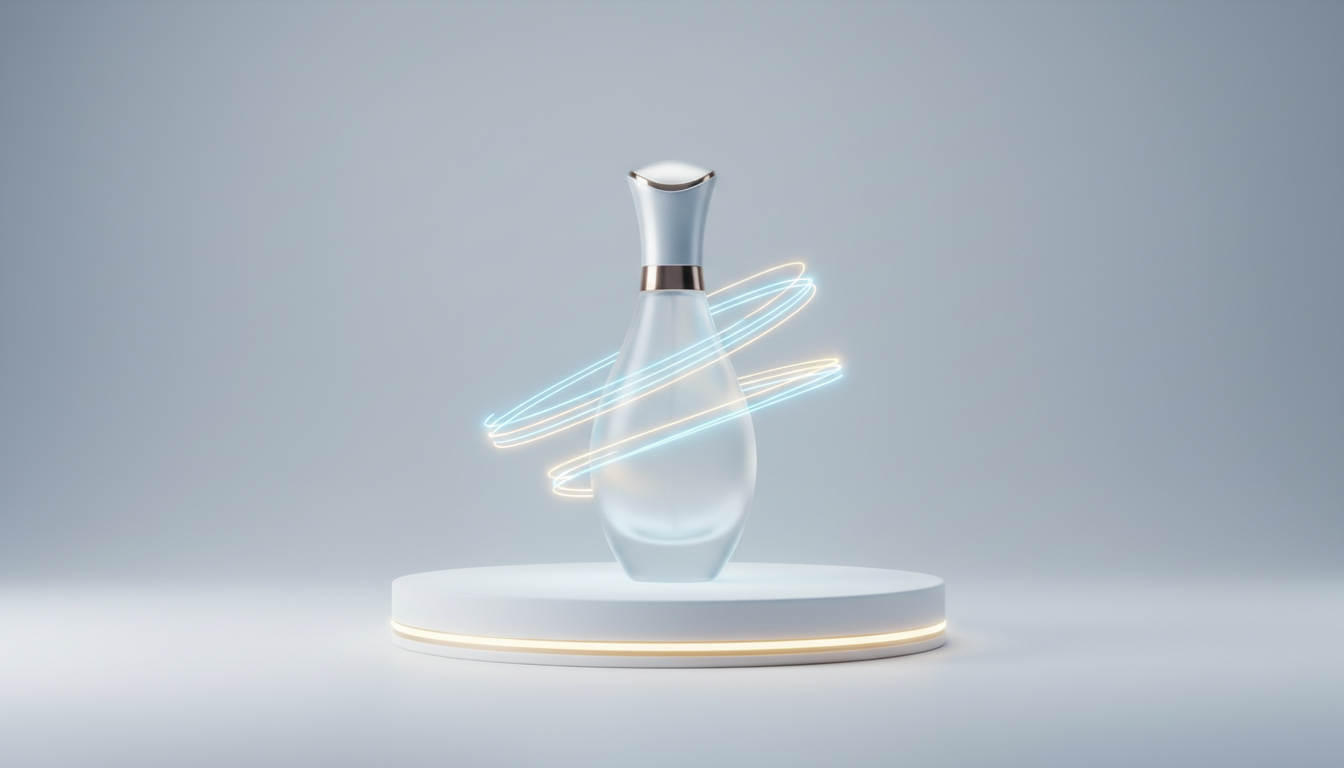
If you already have one strong product image, you can often turn it into a short showcase clip with reveal movement, subtle orbit motion, and product-first framing.
That is the use case product motion is built for. It is not a broad inspiration workflow. It is a focused way to turn a static product visual into a more usable commerce asset.
Where This Usually Gets Used
The strongest placements are usually the ones ecommerce and growth teams already care about:
- PDP hero slots
- collection headers
- product launch teasers
- paid-social product creative
- merchandising modules
That matters because the output should be judged as a commerce asset, not as a cinematic short film.
What a Showcase Video Should Actually Do
A showcase video is usually not trying to tell a big story.
Its job is simpler:
- make the product feel premium
- keep the product readable
- add movement without losing clarity
- fit a real placement such as a PDP hero, launch teaser, or paid-social asset
If the clip starts to feel like a generic cinematic montage, it often stops serving ecommerce needs.
Why One Strong Product Image Is Often Enough
When the source image is already good, the AI does not need to invent much.
That is the ideal setup.
You are not asking the model to redesign the product, rebuild the packaging, or imagine a whole brand world. You are asking it to add motion language to a product visual that already looks sellable.
This is why a single packshot, tabletop image, or hero frame can be enough.
The Best Product Images for This Workflow
Packshots
Clean packshots work well when the product silhouette is strong and the visual hierarchy is obvious.
Tabletop product images
These often work well because they already feel like controlled product photography rather than a broad lifestyle scene.
Product hero images
Hero shots are especially useful when they already have:
- clear framing
- visible texture
- readable materials
- controlled background noise
What Makes a Source Image Good
The best product images usually share the same traits.
The product is clearly dominant
If the scene is doing more work than the product, the result can drift away from a true showcase clip.
The image already looks intentional
The more the source image already looks like merch, catalog, or campaign material, the less ambiguity the model has to solve.
Important details are visible
Buttons, finishes, logos, packaging details, and material edges are what make the result feel like product marketing instead of a generic object spin.
Motion Styles That Fit Product Showcases
The motion should support the product, not distract from it.
The most useful motions are usually:
- reveal shots
- subtle orbit movement
- push-ins
- clean framing adjustments
These motions work well because they preserve product readability while making the asset feel less static.
Where These Clips Work Best
PDP hero slots
A short showcase clip can make the product detail page feel more premium without requiring a separate production process for each SKU.
Launch teasers
For launches, one good still image can become a clean opener or attention grabber.
Paid social
Short product motion clips work well when the job is to stop the scroll quickly and keep the item central in frame.
Merchandising assets
This format also works well for collection headers, campaign modules, and feature callouts.
What the Result Should Feel Like
The strongest product motion outputs usually feel like:
- a hero reveal
- a controlled orbit or push-in
- a product-first commercial asset
They should not feel like the model forgot the product and started inventing a whole brand film around it.
Mistakes That Make Product Videos Feel Cheap
Weak source images
If the original image is cluttered, badly lit, or compositionally weak, motion usually does not rescue it.
Too much scene ambition
If the prompt pushes the model toward a full ad concept instead of a product-first clip, the output can become less useful.
Losing product readability
The motion should help the customer see the product better, not make the product harder to read.
A Simple Rule for Product Motion
Use product motion when:
- you already have one strong product still
- you need a short, clean video asset
- the product needs to stay central
- the placement is commerce-focused
If that is your use case, product motion is usually a better fit than a broad image-to-video workflow.
Conclusion
One strong product image can absolutely be enough for a showcase video, as long as the input already feels like product creative.
The goal is not to turn a still into a full cinematic campaign. The goal is to add movement polish that makes the product more usable in commerce placements.
If that matches your workflow, start with the Styvid AI Product Video Generator. It is built specifically for product-first visuals, not generic inspiration outputs.