AI Rap Duo
Turn two separate portraits into an 8-second studio rap duo with fixed reference audio. Try the default people or replace each photo. Prototype. 7 credits, including scene preparation.
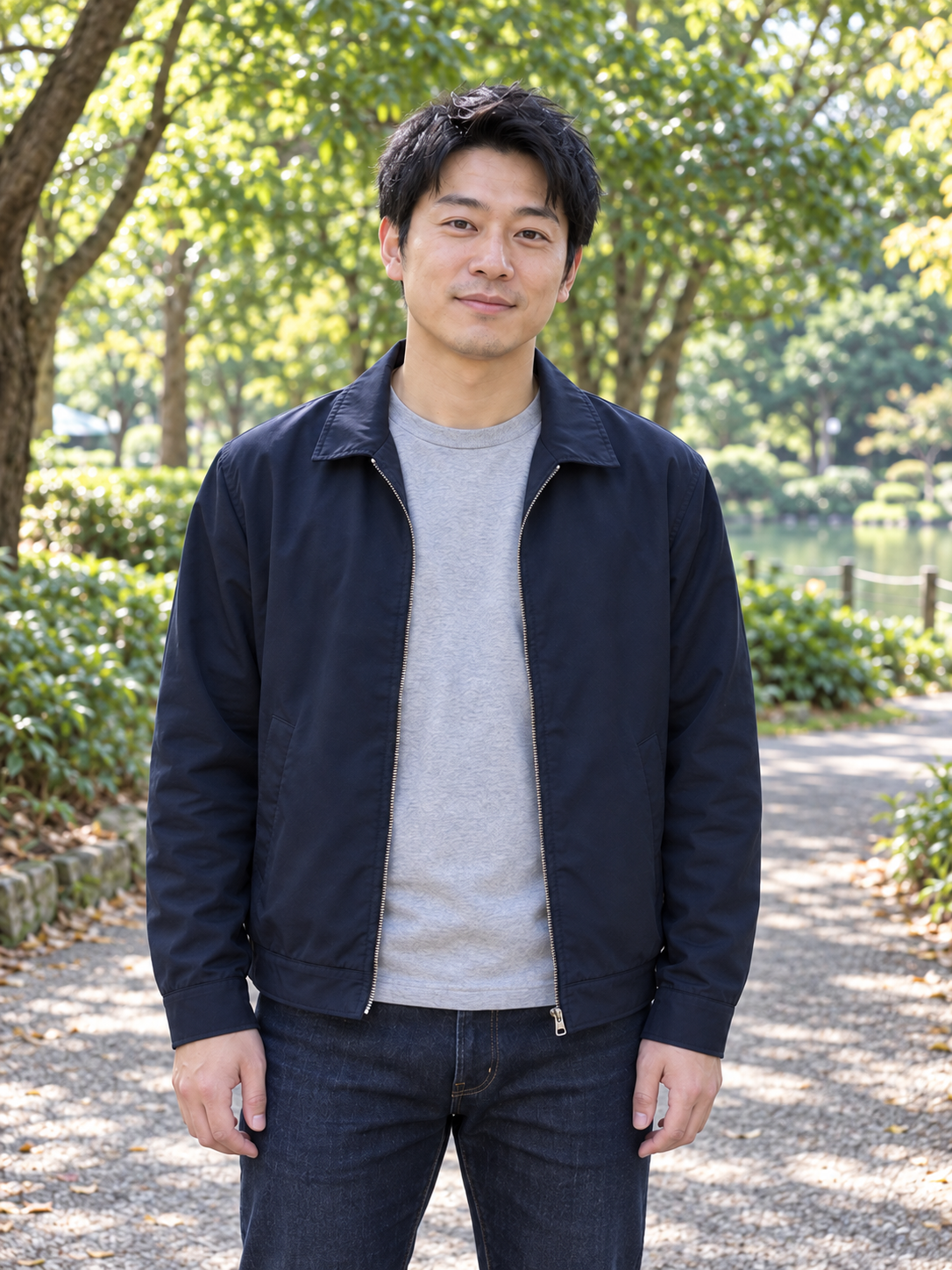
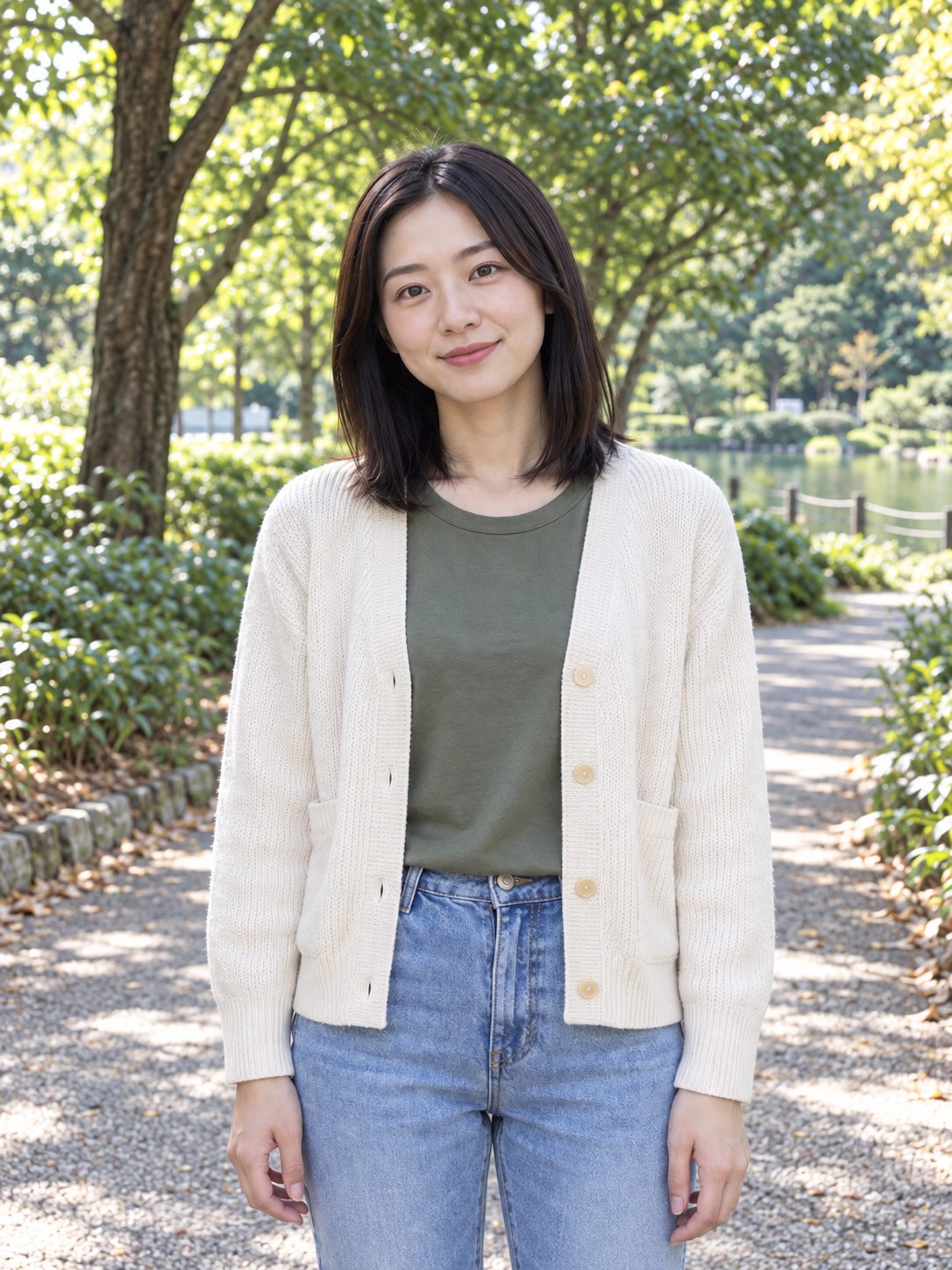
One person per photo: left performer first, right performer second. Try the two example portraits or replace them separately. Unchanged photos use the example people.
Left person
Right person
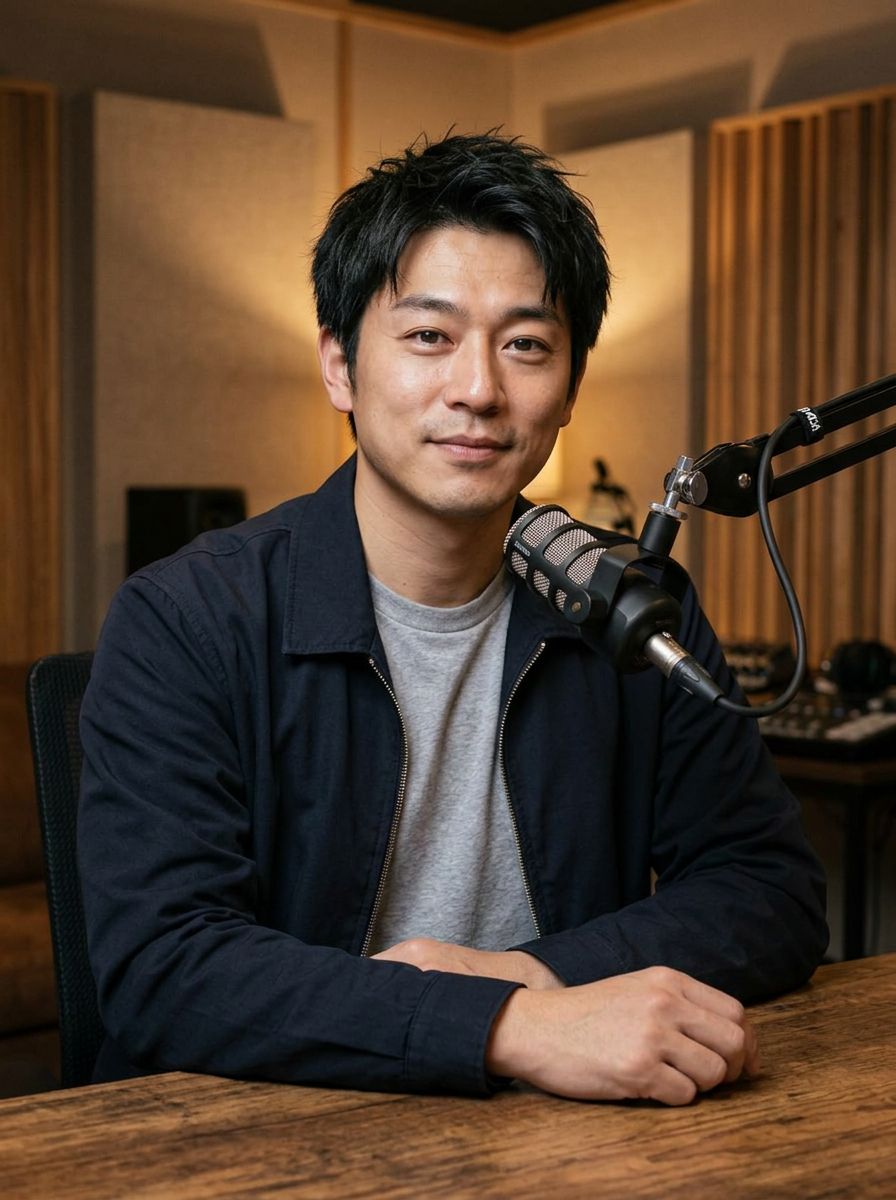
Motion and reference audio · Play
This is the motion reference, not a result generated from your photos. Its audio stays the same in every interface language.
Put two separately chosen people into one rap scene
AI Rap Duo creates a short studio performance from two adult portraits. You choose the people independently, while a fixed reference supplies the motion, rhythm and audio for the eight-second clip.
One photo for each role
The first portrait represents the left performer and the second represents the right performer. Separate inputs let you replace either person without needing a photo of both people together or preparing a combined image yourself.
A shared scene before the performance
The workflow first prepares a studio composition containing the two people, then animates it using the reference performance. The appearance of both people and their placement need to be evaluated in the final video.
A fixed performance with a different cast
The reference preview shows the motion and audio that guide the clip; it is not a result generated from your photos. This version does not accept custom lyrics, a different recording or an individually chosen voice.
Start with a pairing that makes the scene worth watching
This effect fits an idea built around who appears together. Listen to the reference first: its fixed soundtrack and performance should suit your intended message before you choose the portraits.
Make a playful two-person introduction
When introducing a creative partnership or celebrating a shared project, try a short duo scene with the two people’s portraits. Use the reviewed clip as an opening beat in a broader introduction, with names and context added separately.
Explore the cast of a short concept
When developing a humorous or stylized performance idea, compare how two candidate portraits look together in the studio. Put the generated draft in a creative review to discuss the pairing before planning a longer piece.
Add a shared moment to an edited message
When making a celebration video or a personal compilation, use the duo clip as one brief segment. Surround it with the explanation the fixed reference cannot provide, rather than expecting it to speak a custom greeting.
Prepare two portraits that are easy to compare
The model has to bring separate identities into one scene. Clear, individually framed reference photos give you a better basis for judging whether each person remains recognizable.
Keep each person in a separate image
Upload one adult portrait in each slot using JPG, PNG or WebP. Avoid a collage or group photo: the left and right roles are assigned through the two upload areas, not by locating people within one combined picture.
Make both faces easy to see
Choose portraits with readable facial features and unobstructed mouths. Similar clarity and lighting can make the pair easier to assess, while extreme angles or large differences in image quality add uncertainty to the references.
Check the roles before starting
Review the left and right previews together. Replacing one default leaves the other example person in place, so confirm both slots if you intend to use two people of your own. Each default can also be restored independently.
Build the duo in three steps
You can try the included pair or replace either person before generating. The reference audio and motion remain fixed throughout this workflow.
Choose the left and right performers
Add the first adult portrait to the left-person slot and the second to the right-person slot. Inspect both previews for the intended identity and a visible face; no combined source photograph is needed.
Review the reference and quote
Play the eight-second source preview with sound to understand the performance being reused. Check the current 7-credit quote, which includes preparing the shared scene as well as generating the animation.
Generate and inspect both people
After generation, play the full result with sound. Check each face, role placement, mouth timing and hands rather than focusing on just one performer. Download a reviewed clip for your wider message or edit.
Watch the interaction, not just the likeness
A two-person performance needs to work as a shared shot. The reference establishes an intended rhythm, but the prototype may still change either person or lose timing during fast rap.
Follow one person, then the other
Watch the clip once for the overall performance and again for each face. Check whether features remain consistent during head turns and whether the left and right references are recognizable throughout the scene.
Check the space between performers
Look for hands, microphones or body movements that cross awkwardly or obscure a face. Scene preparation brings the portraits together, but it does not guarantee natural proportions or clean interactions in every frame.
Keep the reference and result distinct
Use the reference to judge the intended movement and soundtrack, and your generated video to judge the actual outcome. The source clip cannot demonstrate the final likeness or lip sync of portraits you have not yet generated.
Choose another workflow when the words need to change
The duo template is useful when the pairing is the creative idea. If your own words, voice or music are essential, choose a workflow that accepts those inputs before preparing the project.
Your own rap recording
AI Rap Video Generator supports one portrait and a short recorded rap excerpt. It trades the two-person scene for control over the supplied vocal performance.
A custom spoken line
AI Talking Photo accepts a short written script or speech recording for a single person. Use it for a greeting, introduction or announcement that needs to say something specific.
A sung musical phrase
AI Singing Photo animates one portrait to a vocal song excerpt. Choose it when the melody and singer’s recorded phrasing matter more than the fixed duo reference.
Frequently asked questions
What each input controls and what to check before using the result.