AI Rap Video Generator
Animate one portrait with a 1–10 second rap recording. Try the included audio or upload your own clip with vocals. Prototype; review mouth timing.
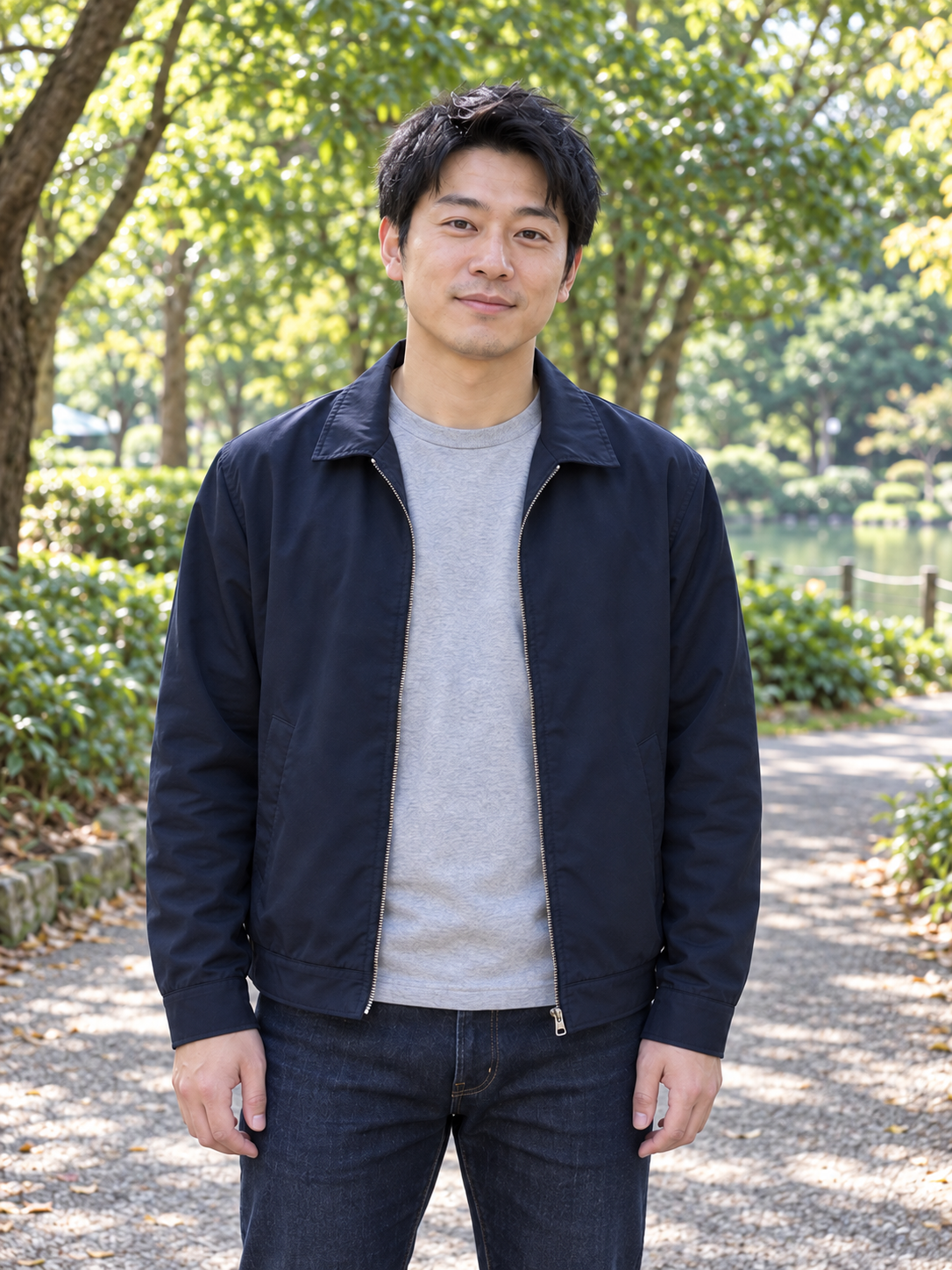
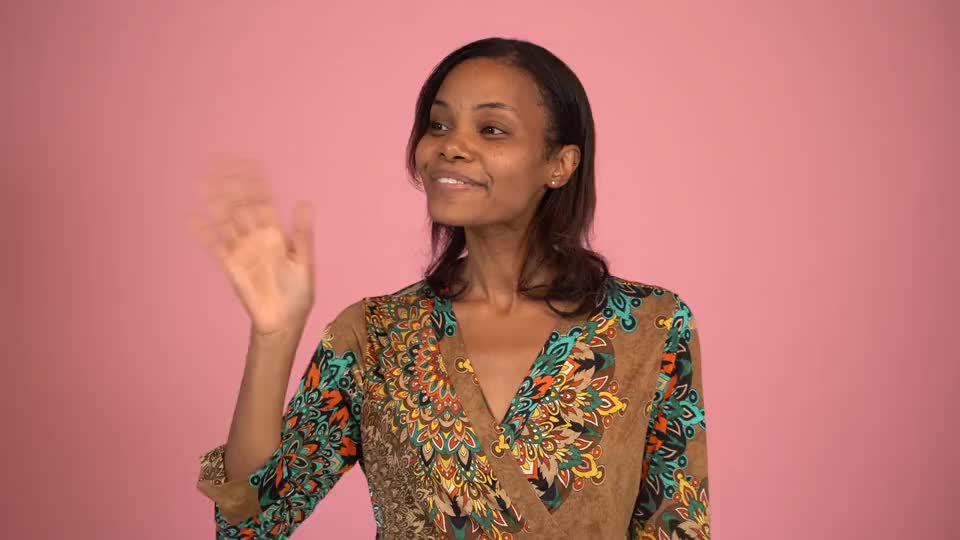
Person photo
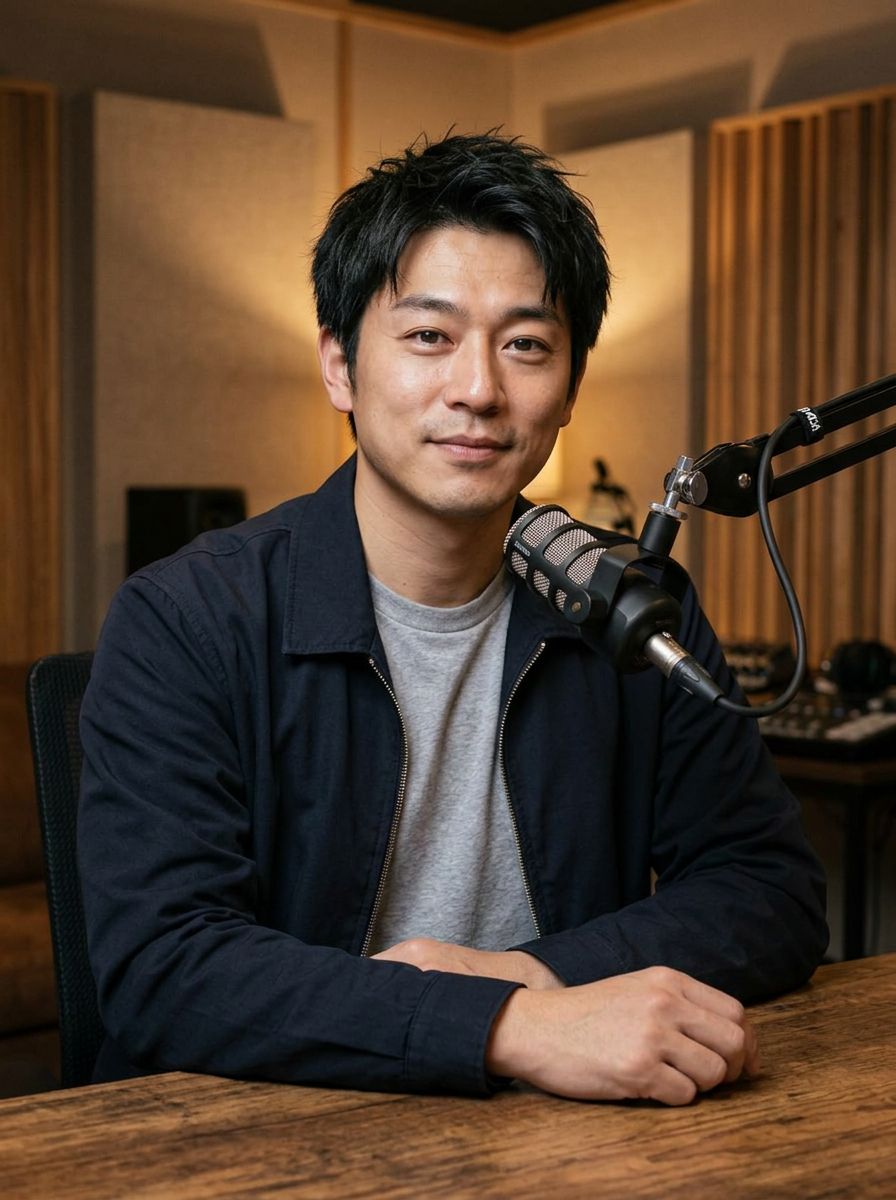
Generated example · Play with sound
A real test using the default portrait. The example audio is in English; changing the interface language does not translate it. Review captions, mouth timing and identity.
Give a recorded verse a visible performer
AI Rap Video Generator animates one portrait to a short rap recording. The recording provides the voice, words and rhythm; the image provides the person you want to see performing.
Start with the sound you already have
Use an existing vocal excerpt or the included sample to try the workflow. You do not need a new on-camera performance to explore a short visual for the recording, but you do need audible rap vocals.
Focus the shot on one rapper
The animation is directed toward rhythmic head movement, restrained gestures and mouth motion following the recording. It is a solo performance concept rather than a multi-scene music video, dance routine or two-person exchange.
Keep authorship in your recording
The tool does not write lyrics, compose a beat or clone a voice. Prepare the rap you want to hear first, then use the generated clip to see how that delivery reads as a visual performance.
Find the short moment worth showing
Choose a complete phrase that makes sense without the rest of the track. A useful excerpt gives the viewer something to hear and gives you a specific performance to evaluate.
Preview a verse before a release
When preparing a track announcement, pick a recognizable line or short hook. Use the reviewed clip as the opening of a feed post, with the title, release information and listening destination in the surrounding copy.
Try a visual direction for a demo
When you have a vocal demo but no shoot planned, pair it with a candidate portrait. Put the result in a creative review to compare appearance and delivery before committing to a fuller music-video concept.
Share a short performance idea
When testing a playful introduction or a character performance, choose one self-contained phrase. Use the clip within a larger edited post rather than expecting a few seconds to establish a whole story.
Let the vocals lead the preparation
Short, clear source material gives you a more useful first test than an excerpt with overlapping voices or a long instrumental lead-in. Prepare your final audio cut before uploading.
Choose a clean beginning and ending
Trim to 1–10 seconds without cutting a word in half. Keep the vocal phrase audible from near the start, and leave a little space for its ending. Upload MP3, WAV or FLAC, up to 20 MB.
Keep one main voice easy to follow
A beat can remain in the recording, but the rap should be easy to hear over it. Dense ad-libs and several simultaneous voices can make it difficult to judge which delivery the single visible performer should follow.
Match the portrait to the tone
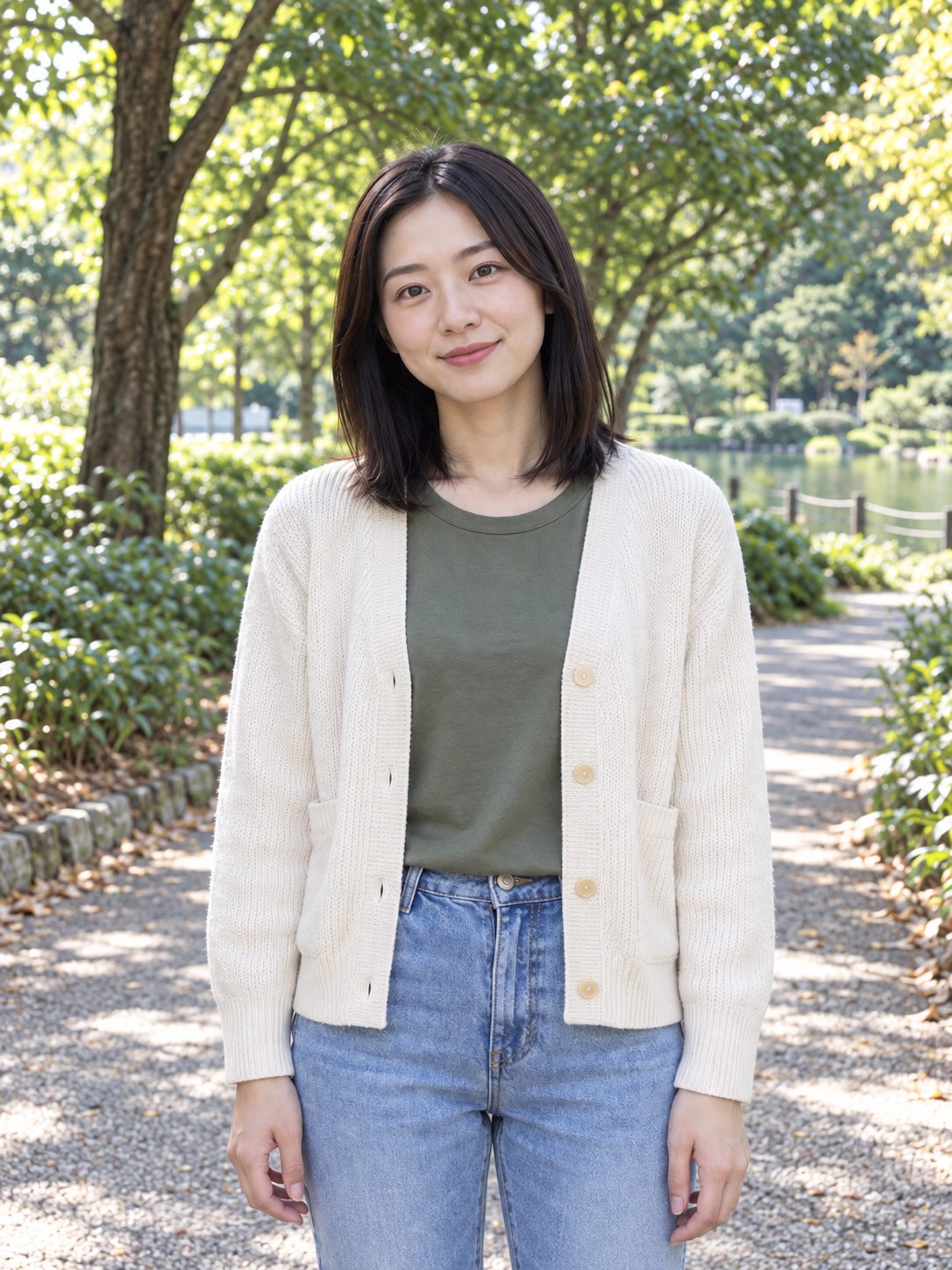
Use a clear adult portrait in JPG, PNG or WebP with the face and mouth unobstructed. A readable expression and uncluttered framing make it easier to compare the generated performance with the person you selected.
Turn your portrait and rap excerpt into a clip
Try the supplied eight-second example audio first if you want to understand the flow before preparing your own recording.
Choose one performer
Use the default portrait or upload your own separate image of one adult. Check that you have selected the intended face and that no hand, object or heavy shadow hides the mouth.
Choose the recording
Keep the sample or replace it with a supported rap excerpt. The measured audio duration selects the smallest fitting 5-, 8- or 10-second tier. Listen to the source and confirm the displayed quote before generating.
Review rhythm, face and sound
Play the result with audio and follow the complete phrase. Check mouth timing on fast syllables, face consistency and hands before downloading. The sample preview is a real test result, not a prediction of your own output.
Evaluate the delivery beyond the first frame
Rap can move quickly from one syllable to the next. A plausible still frame does not tell you whether the whole phrase feels connected to the soundtrack.
Listen at normal speed first
Watch the clip as a viewer would, then inspect the places where timing feels off. Rapid lyrics may expose mouth-sync errors even when slower moments look convincing. A clearer, less crowded excerpt can be a useful next test.
Compare one change at a time
If you try another version, keep either the portrait or the audio the same. This helps you distinguish a framing problem from a difficult vocal excerpt without changing every part of the idea at once.
Inspect the edges of the performance
This prototype can change facial details, distort gestures or introduce unwanted or garbled captions. Look at the start and end as well as the strongest moment, then decide whether the full clip belongs in your edit.
Keep the workflow close to the sound
The number of performers and the kind of vocal delivery determine which tool fits the idea. Choose that before spending time preparing the image and recording.
Two people with a fixed reference
AI Rap Duo places two separately chosen people into a shared studio performance using fixed motion and audio. Choose it when the pair matters more than using your own recorded verse.
A melody instead of rap delivery
AI Singing Photo is directed toward sung phrasing and sustained vowels in a supplied vocal recording. Choose it for a short song excerpt; use this page for rhythmic spoken rap.
Frequently asked questions
What each input controls and what to check before using the result.